What Is Tesla Paint Shop? Digital Wraps vs. Physical Wraps
Tesla Paint Shop changes only the 3D vehicle on your car's touchscreen, not its actual paint. This article explains PNG templates, vehicle compatibility, and the difference between digital and physical wraps.
In this article
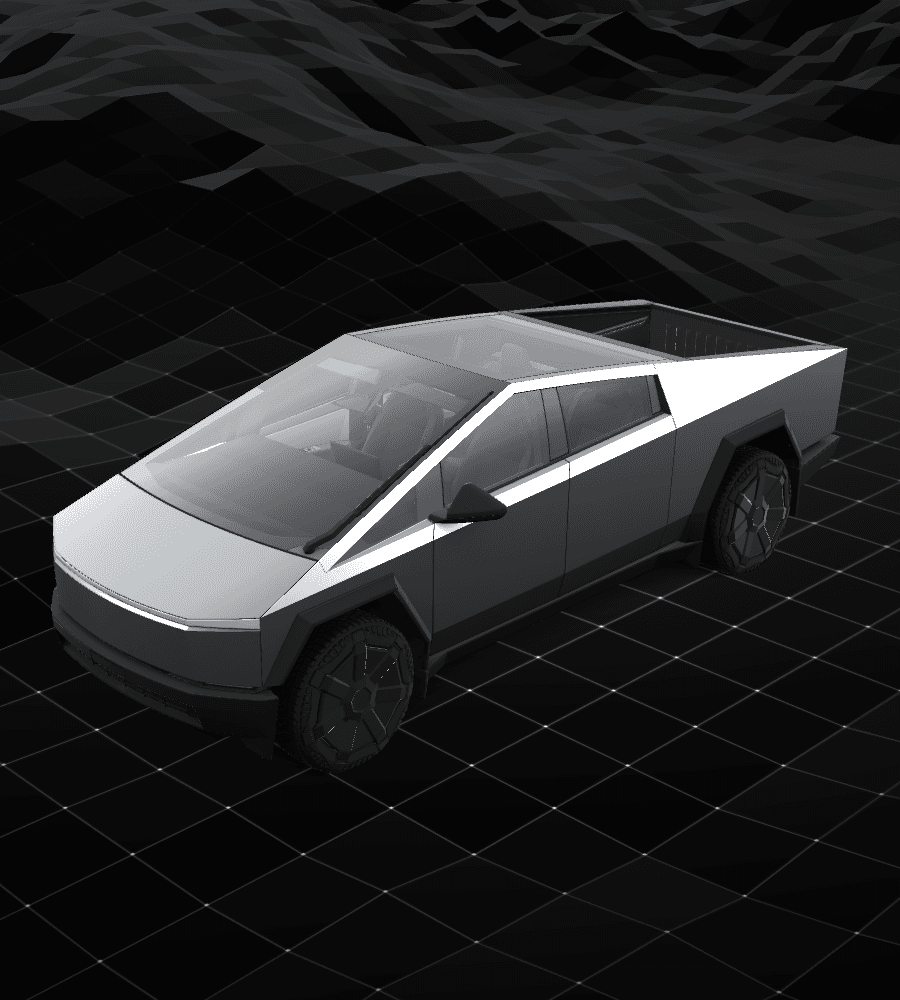
Tesla Paint Shop is a digital appearance feature in Toybox that changes the 3D vehicle shown on your car's touchscreen. You can transfer a custom PNG through the Tesla mobile app or a USB drive, depending on what your vehicle and app currently support.
These templates are PNG files for the car's on-screen 3D vehicle, not printing or cutting patterns for physical vinyl wraps. Check the vehicle model, model year, and variant before choosing a design.
Key takeaways
- Paint Shop changes the 3D vehicle on the touchscreen, not the physical car.
- A custom wrap needs a flat template for the correct vehicle model; an ordinary car photo cannot replace it.
- Tesla's public custom-wraps repository provides vehicle templates, examples, and file requirements.
- Availability can vary by market, manufacture date, and vehicle configuration. For USB transfers, check that the port can read data.
A digital Paint Shop wrap is not a physical vinyl wrap
Paint Shop changes the 3D vehicle shown on the touchscreen. It does not repaint the body or install vinyl or paint-protection film on the real vehicle.
Use a Paint Shop PNG for the correct vehicle model to change the touchscreen display. Repainting or wrapping the actual car involves physical work, with different files and services.
Why a flat PNG has to match one vehicle body
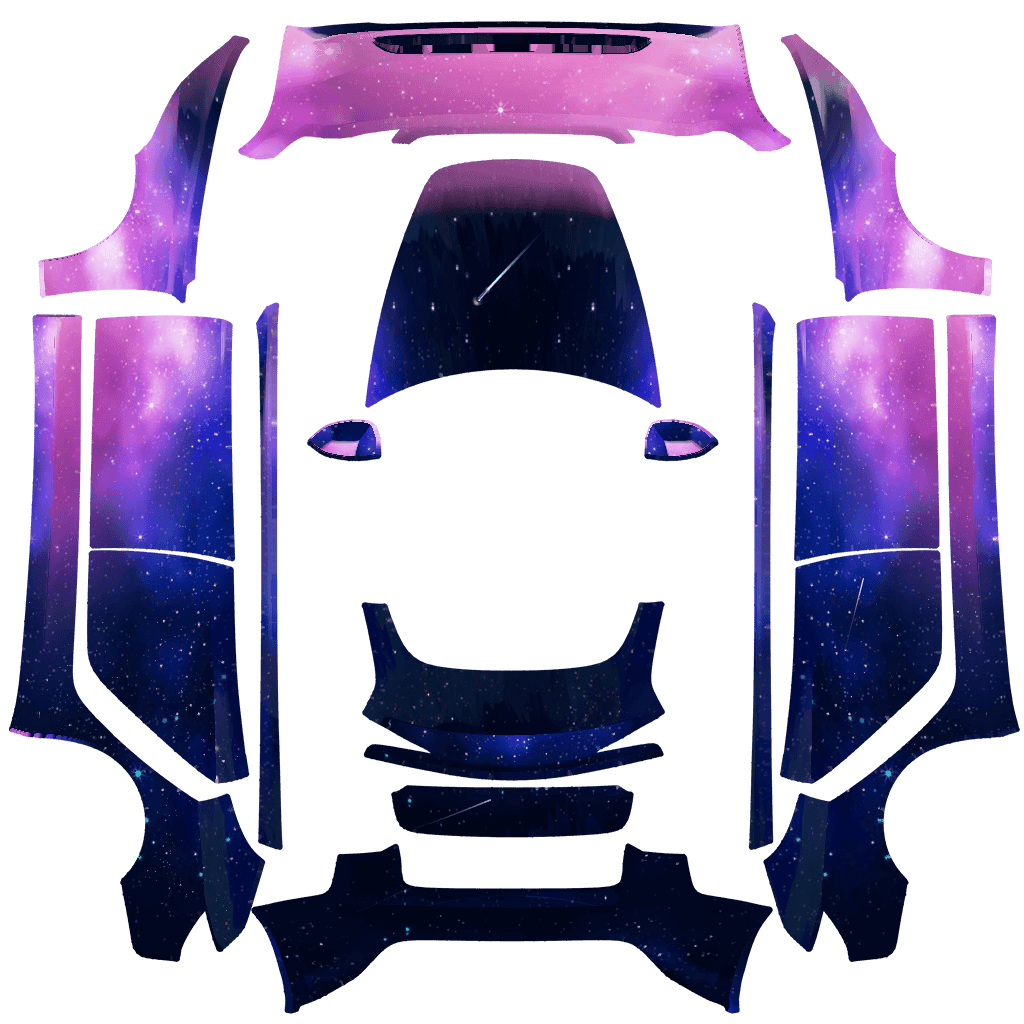
Each region in Tesla's official blank template corresponds to a different part of the on-screen 3D vehicle. The vehicle software maps the PNG design onto those regions.
Templates can differ by vehicle model, model year, and variant. Check those details before choosing a matching blank template or finished design.
Why the available menu can differ between vehicles
Tesla's owner's manual notes that entertainment and Toybox features can vary by market region, manufacture date, and vehicle configuration. If Paint Shop is missing, consult the current manual for your model and region and check the menu in your car; do not rely on the software version alone.
Whether a USB file can be read also depends on the port's data support. Some vehicles have center-console ports for charging only, so use the data port specified in your car's manual. Check USB reading issues separately from a missing Paint Shop menu.
Tesla's current instructions give two transfer options: in mobile app version 4.59.0 or later, use Creations → Wrap → Upload; or put the PNG in a Wraps folder at the root of a USB drive. The upload option must also be available in your app and vehicle.
Choose a template and read the import guide
Choose an official blank template or a community design for your vehicle, then follow the guide to transfer the PNG with the Tesla app or a USB drive.
Frequently asked questions
Does Tesla Paint Shop change the physical car?
No. It changes the 3D vehicle shown on the touchscreen; it does not alter the paint or install physical vinyl.
Can any photo become a Tesla touchscreen wrap?
A regular photo will not automatically fit the vehicle's mapped regions. Use the correct vehicle template, keep its original canvas size and region layout, and export a PNG that meets the file requirements.
Why does my Tesla not show Paint Shop or Wraps?
Availability can vary by market, manufacture date, and vehicle configuration. Check the current owner's manual for your model and region and confirm the menu in your car. If a PNG does not appear when using USB, then check the data port and the PNG file requirements.
Sources
Follow the sources below for Tesla's instructions, template directories, and other references cited in this article. Feature availability and interface details may vary by region, vehicle configuration, and software version.
Tesla's published instructions describe product features and file requirements. The design checks in our articles are editorial guidance; confirm the finished PNG in Paint Shop on the matching vehicle.
Digital Paint Shop templates and design
Tesla Wrap Studio is an independent template platform. Our editorial team explains Paint Shop features, vehicle compatibility, and PNG design, with links to the sources used.
Choose a template for your vehicle model
Check the blank template for your vehicle on the official resources page, then follow the guide to prepare your PNG and import it through the Tesla app or a USB drive.
Continue reading
How to Design a Tesla Paint Shop Wrap That Reads Well Across Body Panels
Design a clearer Tesla Paint Shop wrap by working with panel seams, graphic scale, color contrast, the original template canvas, and multi-angle 3D preview checks.
Read article: How to Design a Tesla Paint Shop Wrap That Reads Well Across Body Panels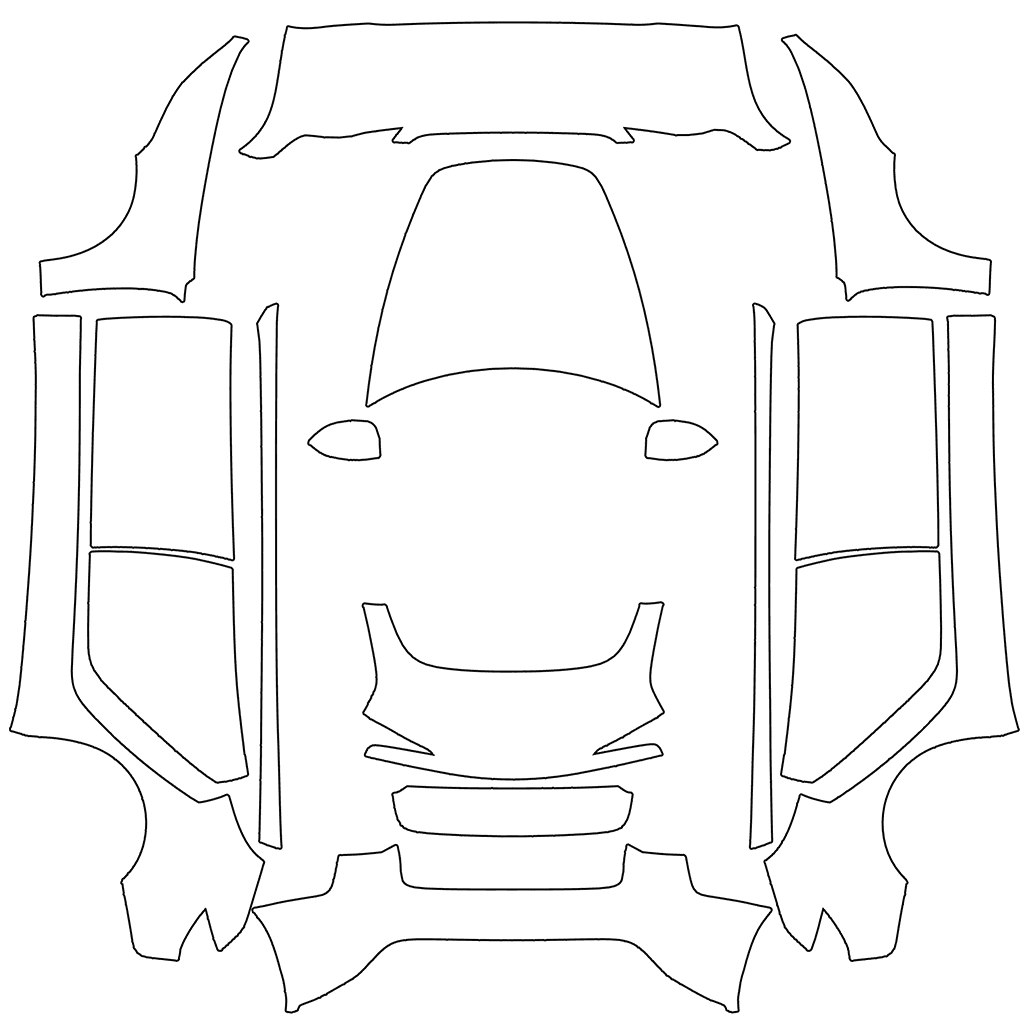
How to Choose a Tesla Paint Shop Template by Model, Year, and Variant
Choose the correct Tesla Paint Shop template by model, year, and body variant, including legacy and 2024+ Model 3, 2025+ Model Y, Performance, Plaid, and Model Y L.
Read article: How to Choose a Tesla Paint Shop Template by Model, Year, and Variant