How to Choose and Check a Model X 2021+ Paint Shop Template
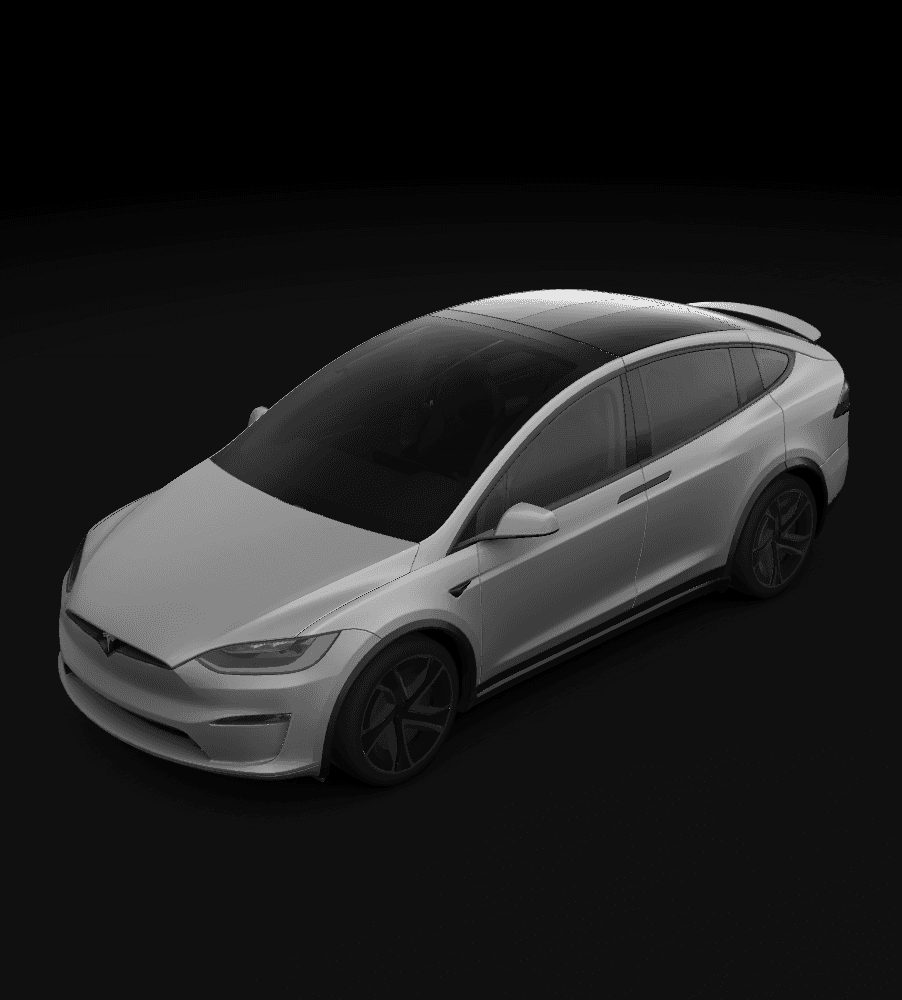
Tesla's public Model X Paint Shop template is labeled 2021+ and is for the 3D vehicle shown on the car's touchscreen. This guide covers variant checks and PNG selection, and explains why templates for earlier Model X vehicles or other SUVs are not direct substitutes.
In this article
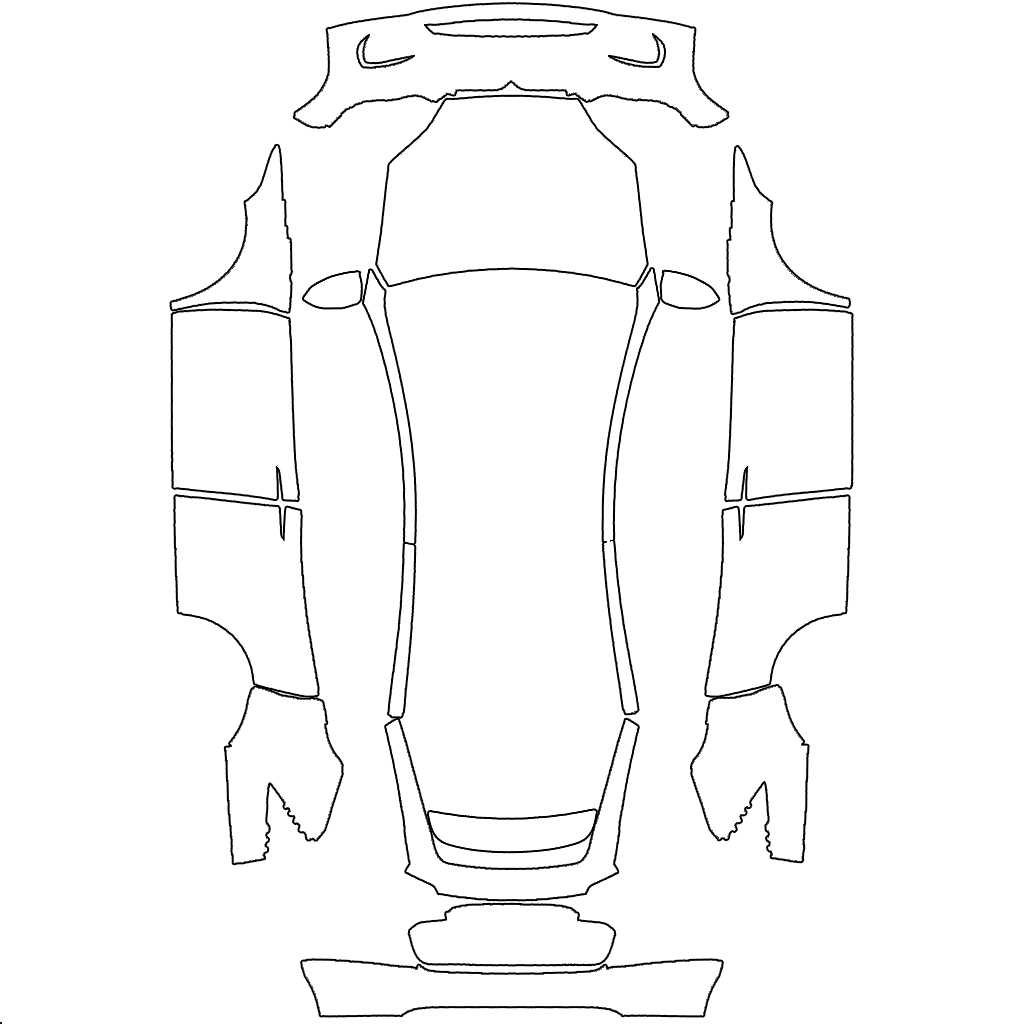
Tesla's custom-wraps repository currently provides a Model X (2021+) directory. The year label matters because it defines the public body map's scope; it should not be shortened into a universal PNG for every Model X year.
Paint Shop changes the 3D vehicle shown on the touchscreen. You can transfer a custom PNG through the Tesla mobile app or USB, depending on which option is currently available. Check the vehicle information against the official directory label when choosing the template.
Tesla template references
Key takeaways
- The current official Model X directory is labeled 2021+.
- Do not assume the 2021+ body map fits an earlier Model X.
- Do not substitute a Model Y or another SUV template.
- Test the untouched Model X 2021+ blank PNG first.
Understand what the Model X 2021+ label means
Tesla's public repository labels modelx-2021 as Model X (2021+), identifying the vehicle range for this template. For an earlier vehicle, check whether a suitable template is available. Whether a particular car can currently use Paint Shop also requires a separate check of the vehicle information and the available controls.
- Public directory: Model X (2021+).
- Choose by the vehicle's actual year and full variant.
- Unlisted legacy vehicles: do not assume the 2021+ map applies.
Check the vehicle information rather than judging by appearance
Check the model year on the touchscreen, in the Tesla app, or in the order records. A broadly similar Model X silhouette does not prove that doors, bumpers, and liftgate regions use identical mapping across years.
A Model Y template is not a substitute either. Tesla publishes the two SUVs in different directories, and their editable white regions correspond to different body coordinates.
Compare your design with the original blank PNG
After checking the variant, keep the original Model X 2021+ blank PNG and create your design on a copy without changing the canvas dimensions or layout. You can import the blank version as a reference first, then check where the design appears on the 3D vehicle.
If only the design is misaligned, compare it with the original and check the editing and export settings. If neither file appears, check the PNG and filename requirements and the app or USB option you are using. For USB, follow the guide to check the folder, drive format, and data port as well.
Keep the main elements clear of Model X body seams
When designing for Model X, you can check the door, fender, front, and liftgate regions separately. Where possible, keep text, logos, and faces on continuous areas so they remain recognizable. Try repeating textures or large blocks of color elsewhere, and check how they join in the preview.
After importing, inspect the design from the front, both sides, and the rear. Keep the original template layout and canvas dimensions unchanged, adjust one thing at a time, and preview again to compare the result before and after each change.
Frequently asked questions
Can an older Model X use the 2021+ template directly?
Do not assume so. Tesla's current public directory is explicitly labeled 2021+. For an earlier model, check the actual vehicle and the available template first; similar looks are not enough to justify reusing the file.
Can a Model Y template be used for Model X?
No. Tesla publishes separate Model X and Model Y directories, and their flat body-region maps are not interchangeable.
What if the Model X 2021+ blank template works but my design is misaligned?
Check whether the editor resized, cropped, or moved the original canvas, then overlay the design with the untouched blank template.
Sources
Follow the sources below for Tesla's instructions, template directories, and other references cited in this article. Feature availability and interface details may vary by region, vehicle configuration, and software version.
Tesla's published instructions describe product features and file requirements. The design checks in our articles are editorial guidance; confirm the finished PNG in Paint Shop on the matching vehicle.
Digital Paint Shop templates and design
Tesla Wrap Studio is an independent template platform. Our editorial team explains Paint Shop features, vehicle compatibility, and PNG design, with links to the sources used.
Start with the official Model X 2021+ body map
Check the vehicle's year and variant, then view the Model X 2021+ blank PNG and design templates.
Continue reading

How to Choose a Model S Plaid Paint Shop Template: 2021+ vs. 2025+
Tesla provides separate Paint Shop directories for Model S (2021+) and Model S (2025+) Plaid. Choose the right blank template by year and Plaid variant, then use it to check the 3D mapping.
Read article: How to Choose a Model S Plaid Paint Shop Template: 2021+ vs. 2025+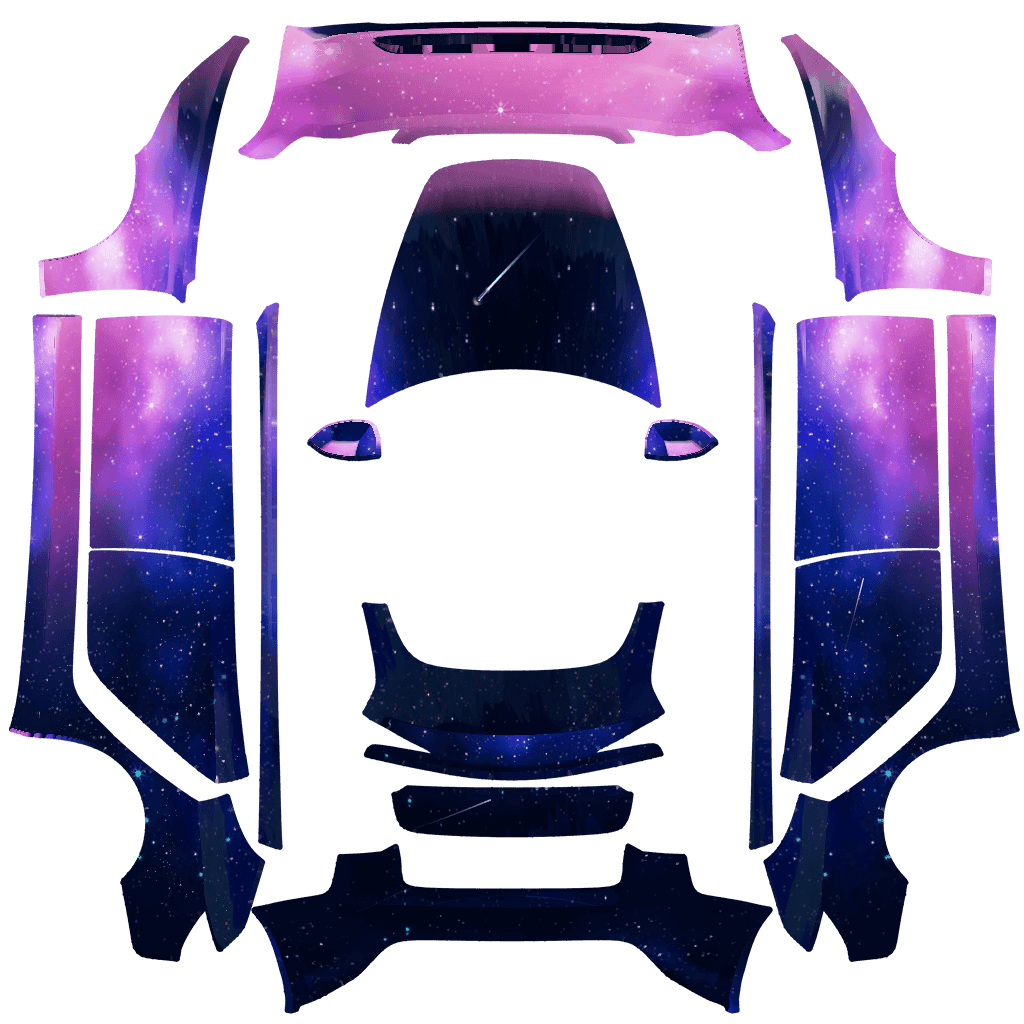
How to Design a Tesla Paint Shop Wrap That Reads Well Across Body Panels
Design a clearer Tesla Paint Shop wrap by working with panel seams, graphic scale, color contrast, the original template canvas, and multi-angle 3D preview checks.
Read article: How to Design a Tesla Paint Shop Wrap That Reads Well Across Body Panels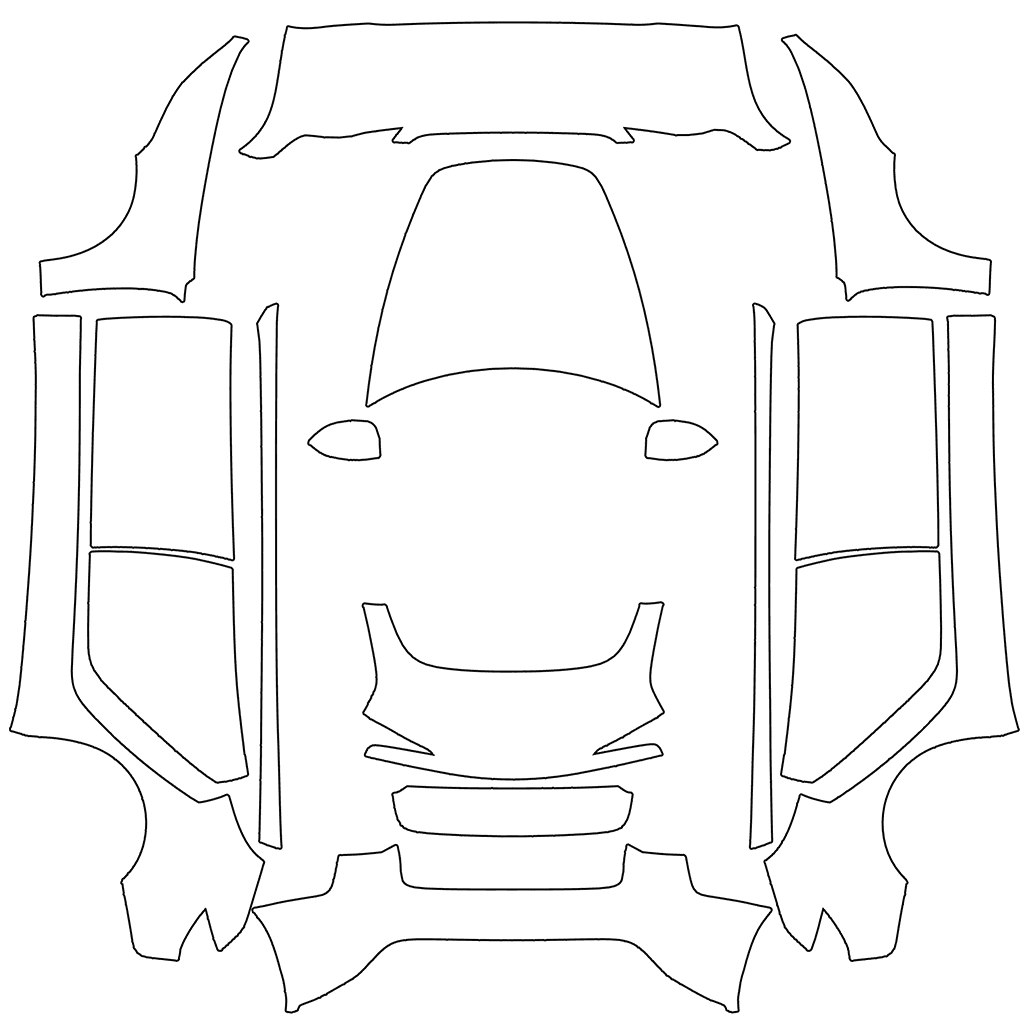
How to Choose a Tesla Paint Shop Template by Model, Year, and Variant
Choose the correct Tesla Paint Shop template by model, year, and body variant, including legacy and 2024+ Model 3, 2025+ Model Y, Performance, Plaid, and Model Y L.
Read article: How to Choose a Tesla Paint Shop Template by Model, Year, and Variant