How to Choose a Model S Plaid Paint Shop Template: 2021+ vs. 2025+
Tesla provides separate Paint Shop directories for Model S (2021+) and Model S (2025+) Plaid. Choose the right blank template by year and Plaid variant, then use it to check the 3D mapping.
In this article
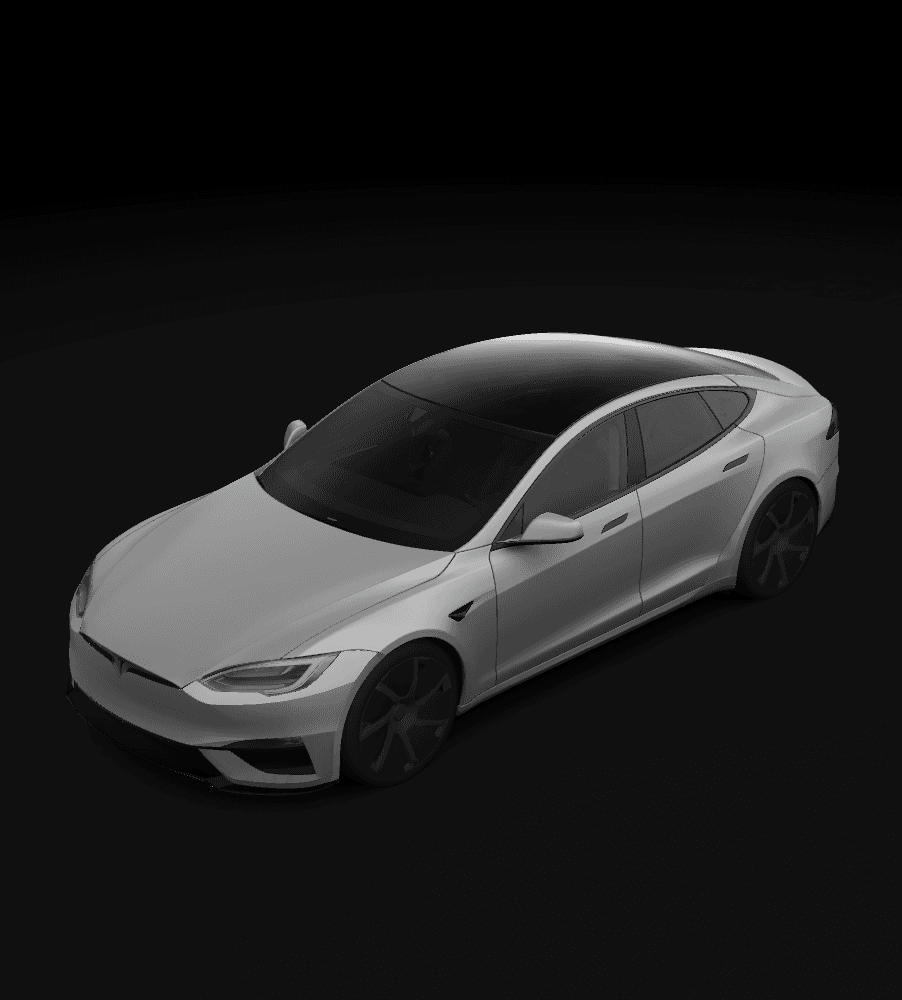
A Model S Paint Shop template cannot be selected from the model name alone. Tesla's custom-wraps repository publishes separate Model S (2021+) and Model S (2025+) Plaid directories, and each file should be used with the matching vehicle version.
Do not choose the 2025+ directory on the Plaid name alone. Check the vehicle's year and full variant before downloading the matching blank PNG. After adding your design, check its position and the seams in the car's 3D preview.
Tesla template references

Key takeaways
- Model S (2021+) and Model S (2025+) Plaid are separate directories.
- Verify the year before deciding whether the 2025+ Plaid file applies.
- A file appearing in the car's list does not by itself prove that the template matches the vehicle variant.
- Use the unmodified blank template for the same variant as a reference for the first import.
Start with the two official Model S directories
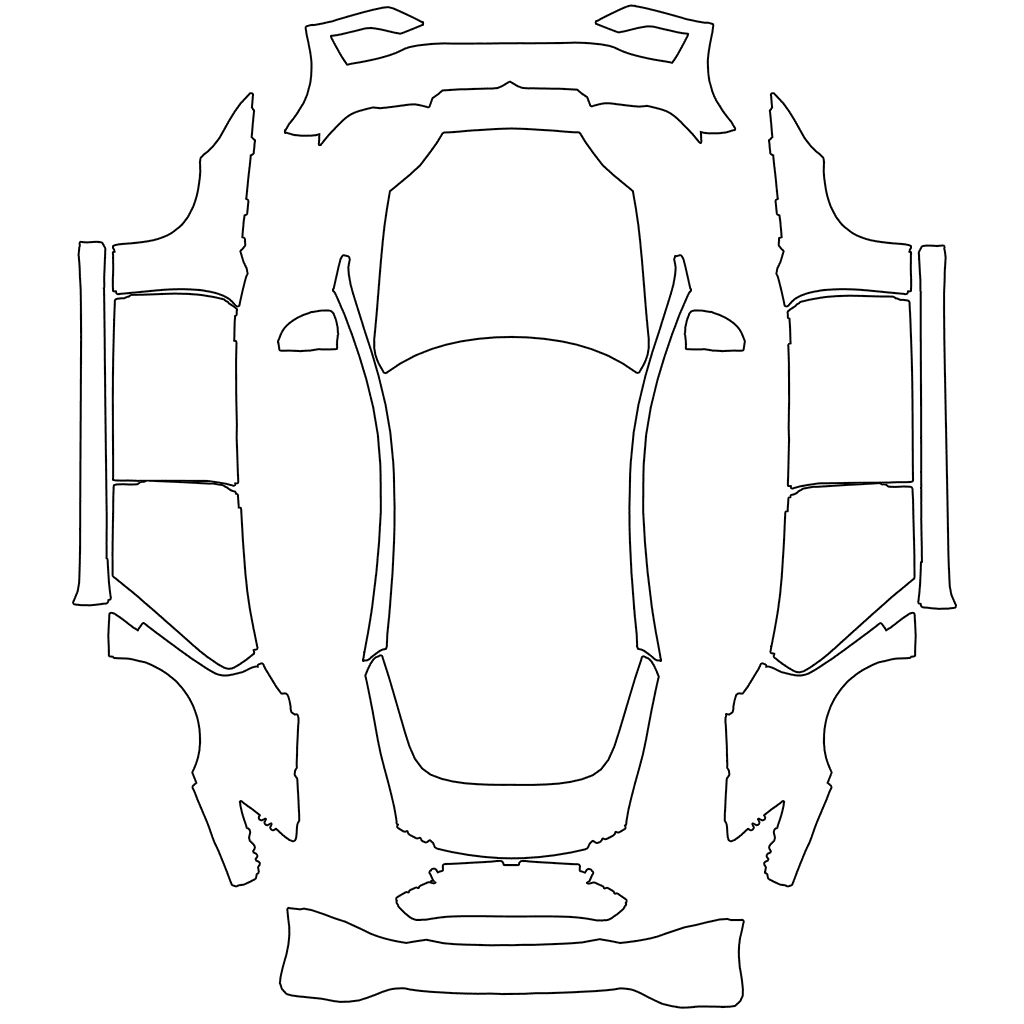
Tesla provides separate templates for Model S (2021+) and Model S (2025+) Plaid. Choose by the full vehicle variant; do not treat the 2025+ Plaid file as a universal template for every Plaid or every Model S.
- Model S (2021+): use the models-2021 directory.
- Model S (2025+) Plaid: use the models-2025-plaid directory.
- Tesla's current repository does not place earlier Model S vehicles under either label.
Use vehicle information to check the year and Plaid variant
Check the full model and year in the vehicle information, Tesla app, or order details. Do not choose from the purchase date, wheels, or appearance alone. Match the template directory's year and variant label to your vehicle information.
If the vehicle information does not clearly map to a directory, preserve both blank files with their source names. Do not rename one to a generic model-s.png and begin designing on an uncertain body map.
- Record the complete model and year.
- Confirm whether a 2025+ vehicle is Plaid.
- Match the full vehicle label to the download page.
Check the design along Model S side seams
You can inspect the seams between the front fender and front door, the front and rear doors, and the rear quarter panel and rear bumper to check for unexpected breaks or shifts in horizontal artwork. This checks the design's appearance; it does not replace checking the vehicle's year and variant.
Model S (2021+) and Model S (2025+) Plaid use separate templates. Do not scale an old canvas to replace the newer template. If the blank template for the same variant looks correct but the whole design is offset, compare it with the original to check canvas size, template layout, and artwork positions.
Check Model S artwork placement with numbered markers
On a copy of the blank template for the same variant, you can add temporary numbers 1, 2, and 3 to the regions for the front door, rear door, and rear quarter panel respectively. Keep the original canvas size and layout, then import the PNG and check from different angles whether the numbers appear in the intended regions.
After checking, remove the numbers and continue with the final artwork. Where possible, keep text or logos inside one continuous region. If they need to cross a door seam, check directly in the 3D preview whether they are split and whether they remain recognizable in a thumbnail view.
Frequently asked questions
Do all Model S Plaid vehicles use the 2025+ Plaid template?
Do not assume so. Tesla provides both Model S (2021+) and Model S (2025+) Plaid directories, so choose based on the vehicle's year and full variant.
Can a 2021+ Model S PNG be used unchanged on a 2025+ Plaid?
Do not directly reuse the old canvas. You can keep the design concept, but reposition it on the 2025+ Plaid blank template and check the seams in the 3D preview.
If the car reads the file successfully, is the template version definitely correct?
Not by itself. Check that the template matches your vehicle's model, year, and variant, then inspect the artwork's position and the seams in the 3D vehicle preview.
Sources
Follow the sources below for Tesla's instructions, template directories, and other references cited in this article. Feature availability and interface details may vary by region, vehicle configuration, and software version.
Tesla's published instructions describe product features and file requirements. The design checks in our articles are editorial guidance; confirm the finished PNG in Paint Shop on the matching vehicle.
Digital Paint Shop templates and design
Tesla Wrap Studio is an independent template platform. Our editorial team explains Paint Shop features, vehicle compatibility, and PNG design, with links to the sources used.
Choose the template for your exact Model S variant
Confirm whether your vehicle is Model S (2021+) or Model S (2025+) Plaid, then view the blank PNG and design templates for that version.
Continue reading
How to Choose and Check a Model X 2021+ Paint Shop Template
Tesla's public Model X Paint Shop template is labeled 2021+ and is for the 3D vehicle shown on the car's touchscreen. This guide covers variant checks and PNG selection, and explains why templates for earlier Model X vehicles or other SUVs are not direct substitutes.
Read article: How to Choose and Check a Model X 2021+ Paint Shop Template
How to Design a Tesla Paint Shop Wrap That Reads Well Across Body Panels
Design a clearer Tesla Paint Shop wrap by working with panel seams, graphic scale, color contrast, the original template canvas, and multi-angle 3D preview checks.
Read article: How to Design a Tesla Paint Shop Wrap That Reads Well Across Body Panels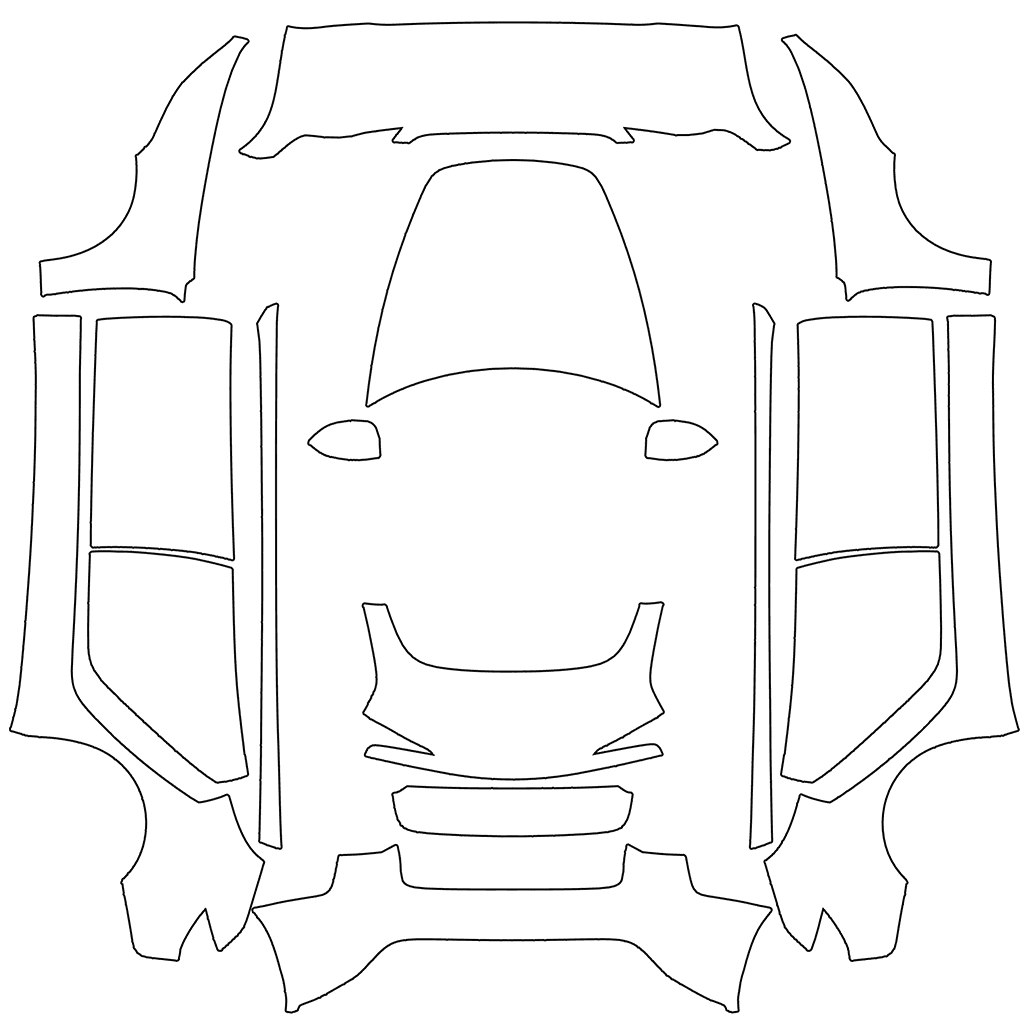
How to Choose a Tesla Paint Shop Template by Model, Year, and Variant
Choose the correct Tesla Paint Shop template by model, year, and body variant, including legacy and 2024+ Model 3, 2025+ Model Y, Performance, Plaid, and Model Y L.
Read article: How to Choose a Tesla Paint Shop Template by Model, Year, and Variant