How to Use the Official Cybertruck Paint Shop Template
Learn about Tesla's Cybertruck Paint Shop PNG: its original 1024×768 canvas, white areas for artwork, and checks in the car's 3D preview. It is a digital appearance template, not a physical wrap production drawing.
In this article
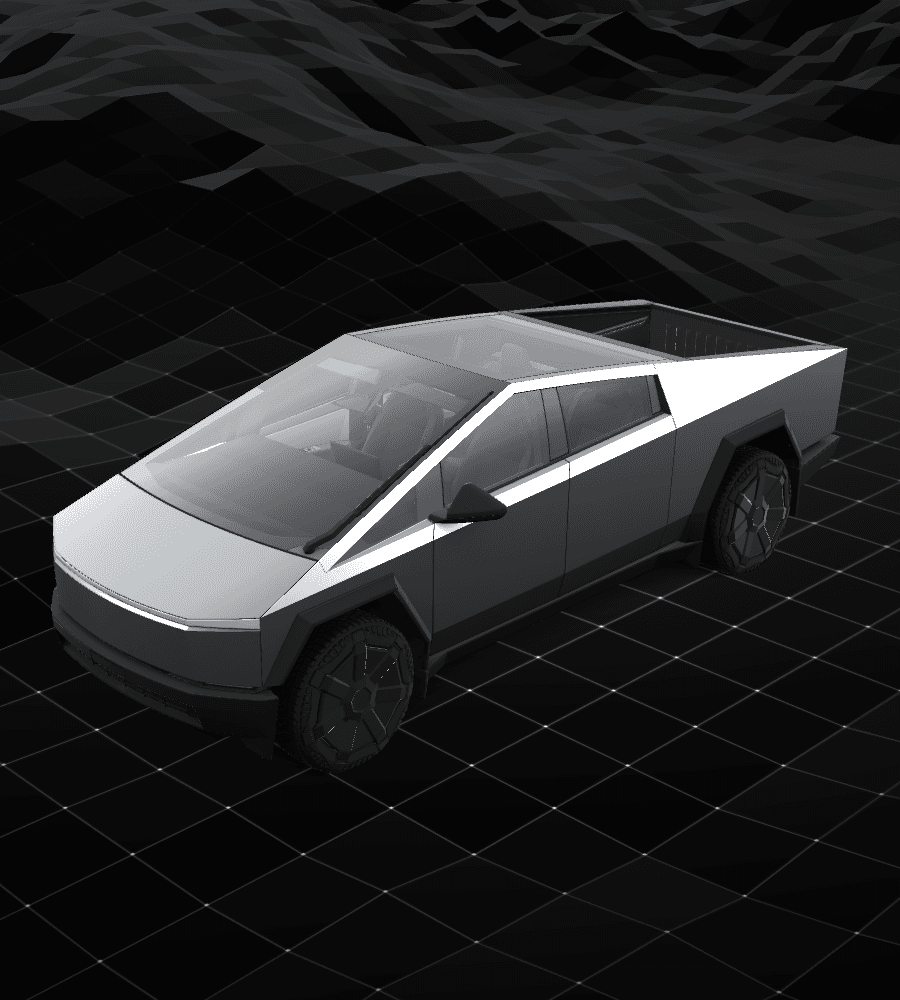
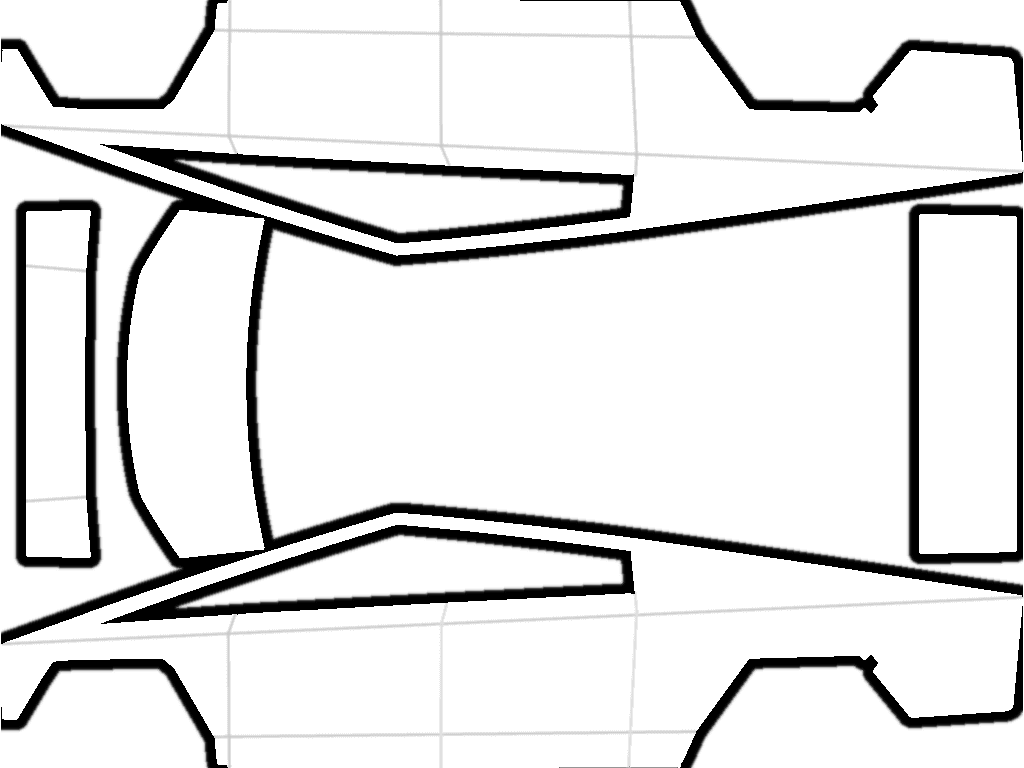
Tesla's custom-wraps repository has a separate Cybertruck directory with a blank template and example designs. Use the original 1024×768 PNG and place your artwork within the white areas that correspond to the body. Do not crop it into a square canvas.
Design elements placed next to each other on the flat template may appear on different parts of Cybertruck. For text, logos, or graphics with a clear direction, identify the regions you are using first, then check their position, orientation, and seams in the 3D preview.
Tesla template references
Key takeaways
- Cybertruck uses a dedicated official template directory.
- Design only within the blank template's editable body regions.
- Keep the original canvas for your model: 1024×768 (4:3) for Cybertruck and 1024×1024 (1:1) for the other current official vehicle templates. Do not crop or stretch the Cybertruck template into a square.
- Test the blank PNG, then inspect the designed version from several angles.
Begin with the official Cybertruck blank template
Tesla provides a separate Cybertruck template; a PNG for another model is not a substitute. We recommend keeping the downloaded original and designing on a copy, so you can compare the canvas and region positions with the original later.
- Choose the Cybertruck directory instead of substituting another vehicle PNG.
- Use the white editable regions as the artwork boundary.
- When editing, you can leave transparent and non-body areas unchanged to make comparison with the original layout easier.
Identify the body regions on the template first
Identify sides, doors, nose, rear, and other isolated areas before positioning the primary graphic. A strip that looks continuous on the flat file may cross a seam, fold, or orientation change on the 3D body.
Keep text and logos that need to remain recognizable within one continuous region. Large blocks of color, grain, or repeating textures are better suited to areas that cross between regions.
Start with a simple design to check where it appears
You can import the unmodified blank PNG as a reference first, then add one large block of color on a copy to see where it appears on the body. Keep the first test simple so the regions and direction are easy to see.
Check the color block from the side, front, and rear in the 3D preview, then add detail gradually. Compare each change with the previous version. If the whole design appears in the wrong place, check the template version and exported canvas again.
This is a digital template, not a physical Cybertruck wrap drawing
A Paint Shop template changes the 3D vehicle visualization on the touchscreen. It can test color, graphics, and direction, but it is not a print, cutting, or installation file for physical vinyl.
If you want a physical wrap, have a professional provider handle measurements, material selection, and production. Do not use the body regions in a Paint Shop PNG as dimensions for physical installation.
Frequently asked questions
Can Cybertruck use a Model 3 or Model Y template?
No. Tesla provides a separate Cybertruck directory, and its flat body coordinates differ from those for other models.
Can I fill the entire Cybertruck PNG canvas with an image?
We do not recommend treating the whole canvas as one continuous body surface. Place the design within the white editable areas of the official template. When editing, we recommend keeping transparent and non-body areas unchanged to help compare the result with the original; this does not replace a check in the 3D preview.
Can the Cybertruck Paint Shop template be printed as a physical wrap?
No. It is a digital 3D appearance template, not a physical wrap production file with real dimensions, bleed, and installation information.
Sources
Follow the sources below for Tesla's instructions, template directories, and other references cited in this article. Feature availability and interface details may vary by region, vehicle configuration, and software version.
Tesla's published instructions describe product features and file requirements. The design checks in our articles are editorial guidance; confirm the finished PNG in Paint Shop on the matching vehicle.
Digital Paint Shop templates and design
Tesla Wrap Studio is an independent template platform. Our editorial team explains Paint Shop features, vehicle compatibility, and PNG design, with links to the sources used.
Download the official Cybertruck blank body map
Keep the original 1024×768 canvas. Try a simple design within the white areas on a copy, then check its position in the 3D preview.
Continue reading
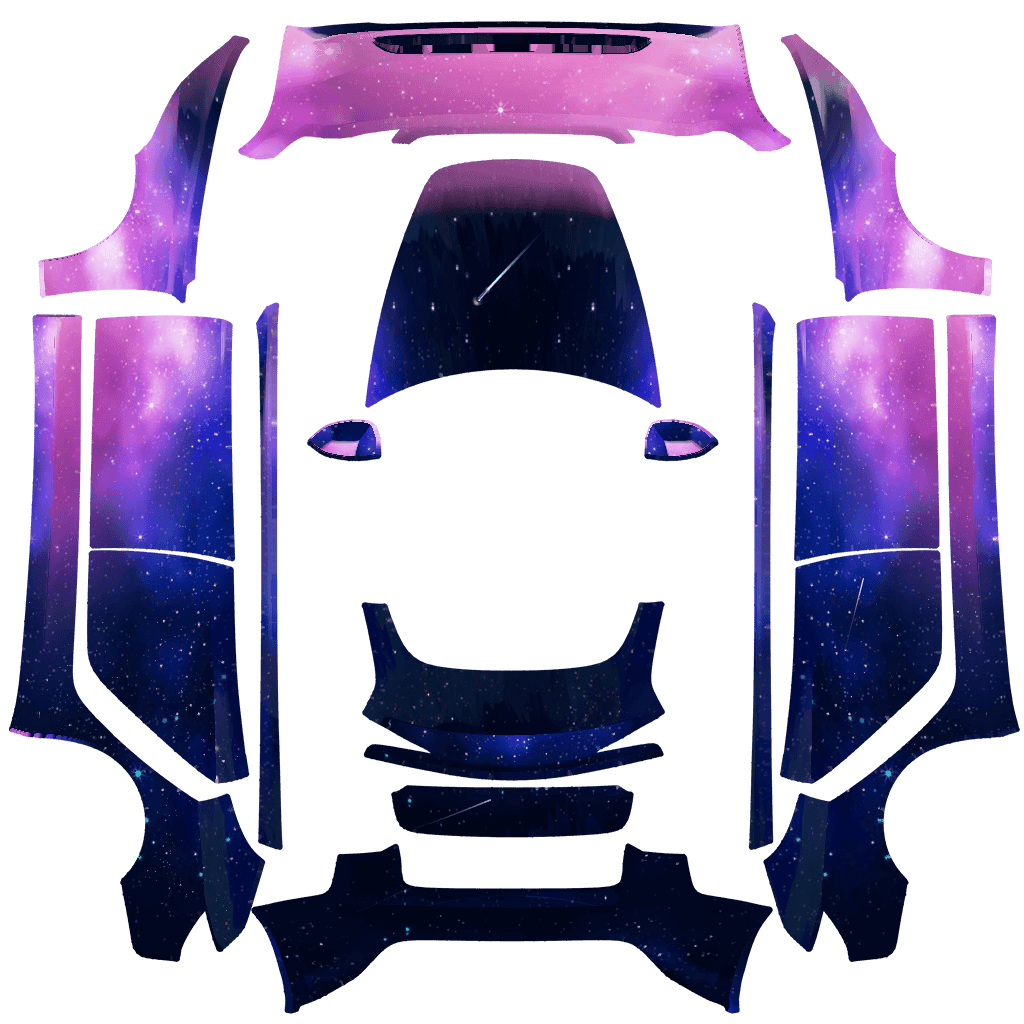
How to Design a Tesla Paint Shop Wrap That Reads Well Across Body Panels
Design a clearer Tesla Paint Shop wrap by working with panel seams, graphic scale, color contrast, the original template canvas, and multi-angle 3D preview checks.
Read article: How to Design a Tesla Paint Shop Wrap That Reads Well Across Body Panels
How to Choose a Tesla Paint Shop Template by Model, Year, and Variant
Choose the correct Tesla Paint Shop template by model, year, and body variant, including legacy and 2024+ Model 3, 2025+ Model Y, Performance, Plaid, and Model Y L.
Read article: How to Choose a Tesla Paint Shop Template by Model, Year, and VariantWhat Is Tesla Paint Shop? Digital Wraps vs. Physical Wraps
Tesla Paint Shop changes only the 3D vehicle on your car's touchscreen, not its actual paint. This article explains PNG templates, vehicle compatibility, and the difference between digital and physical wraps.
Read article: What Is Tesla Paint Shop? Digital Wraps vs. Physical Wraps