How to Choose a Model Y Juniper Paint Shop Template: 2025+ Variants
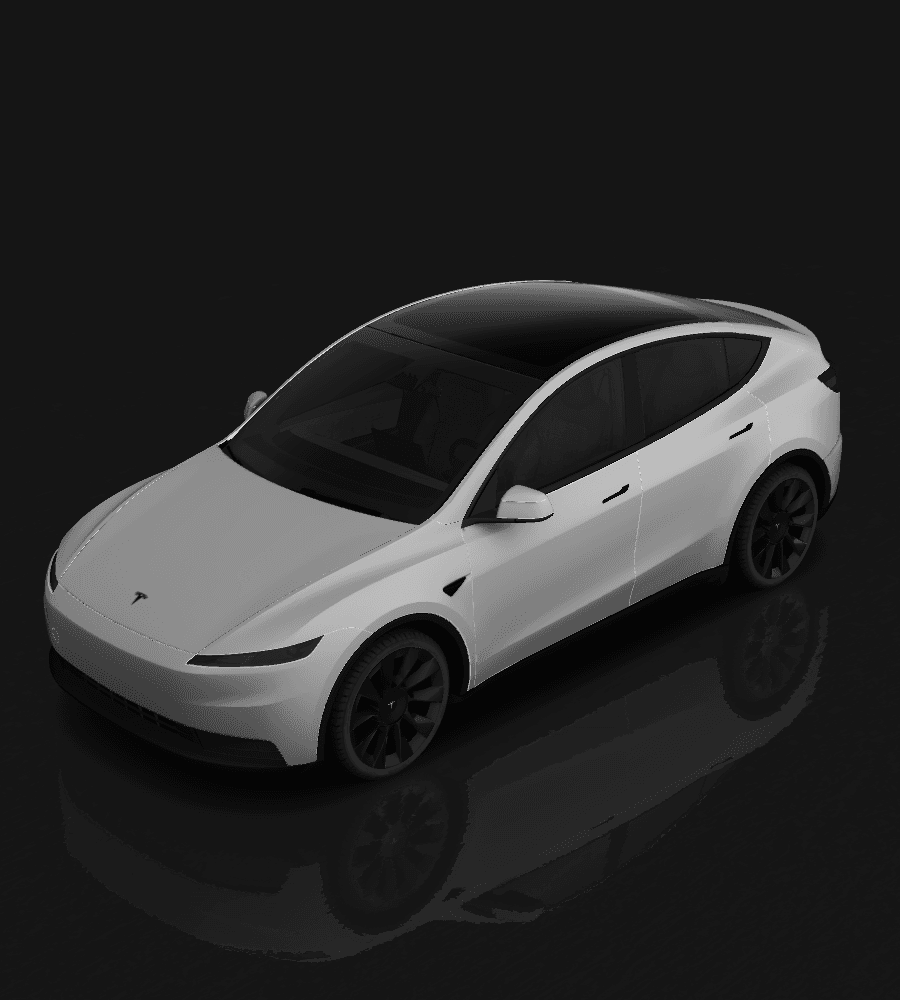
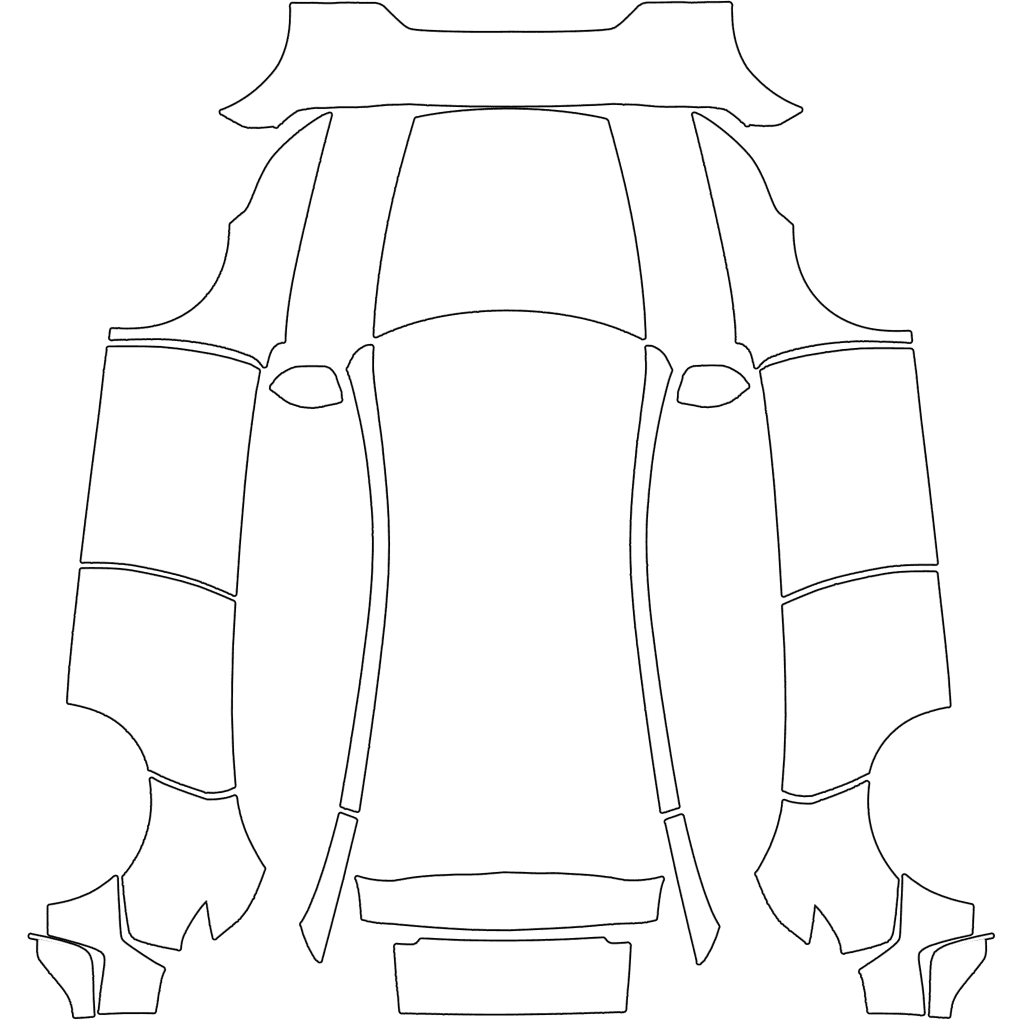
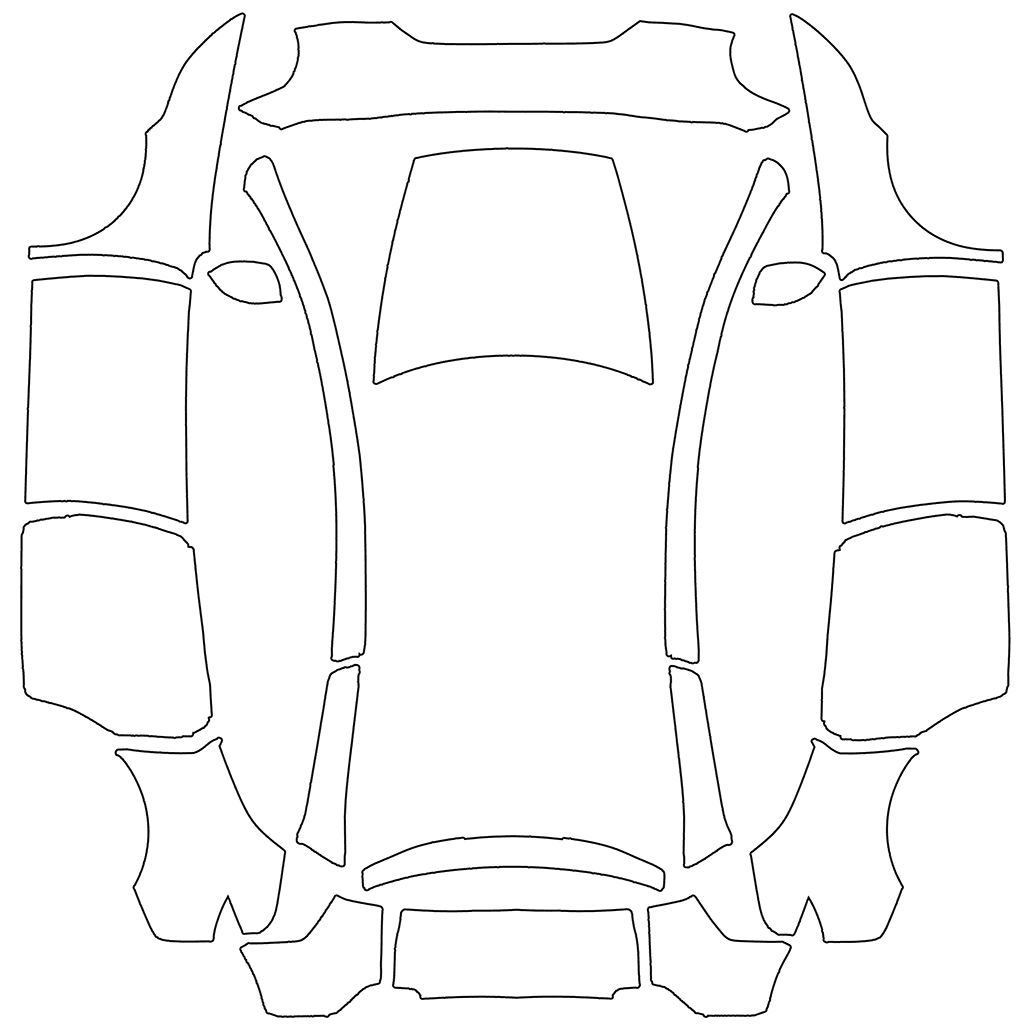
Tesla provides separate Paint Shop directories for legacy Model Y, 2025+ Standard, Premium, Performance, and Model Y L. This guide helps you identify the refreshed model and its full variant before choosing the correct blank template.
In this article
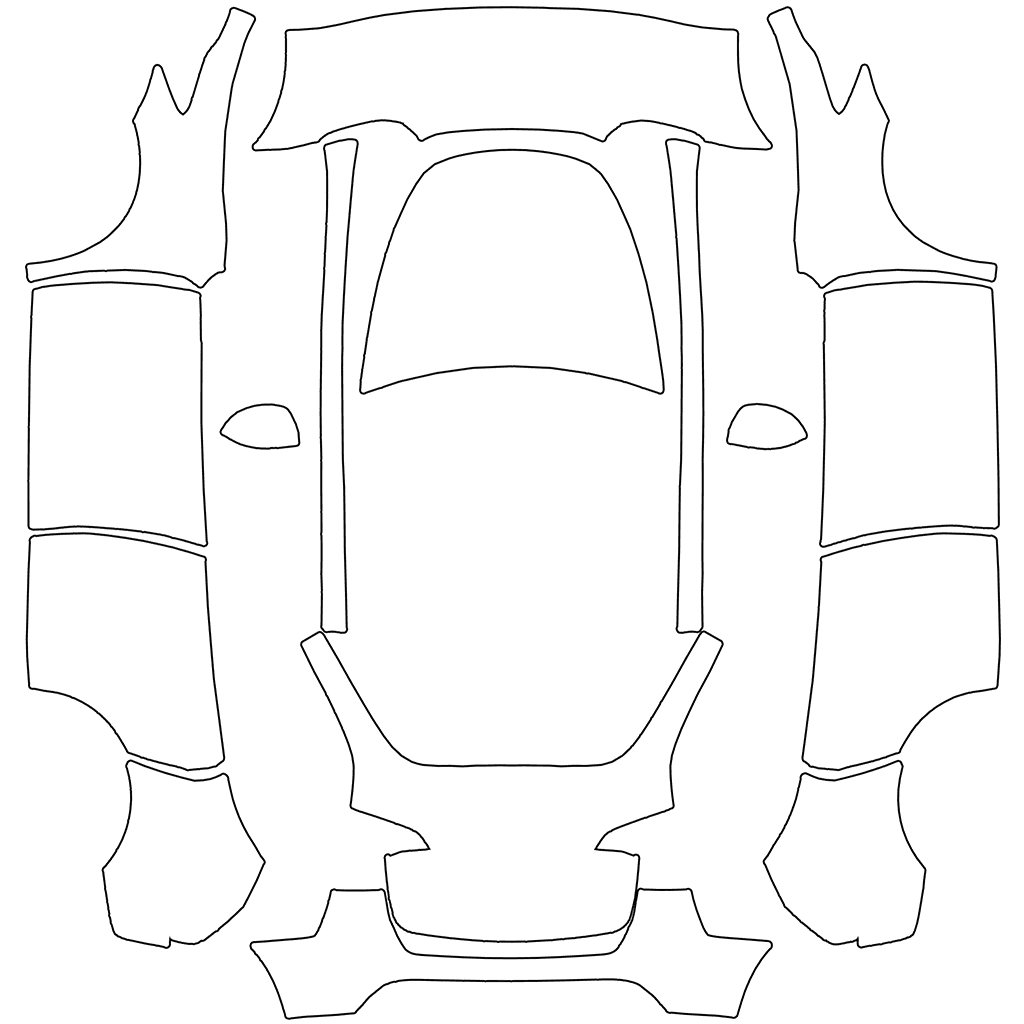
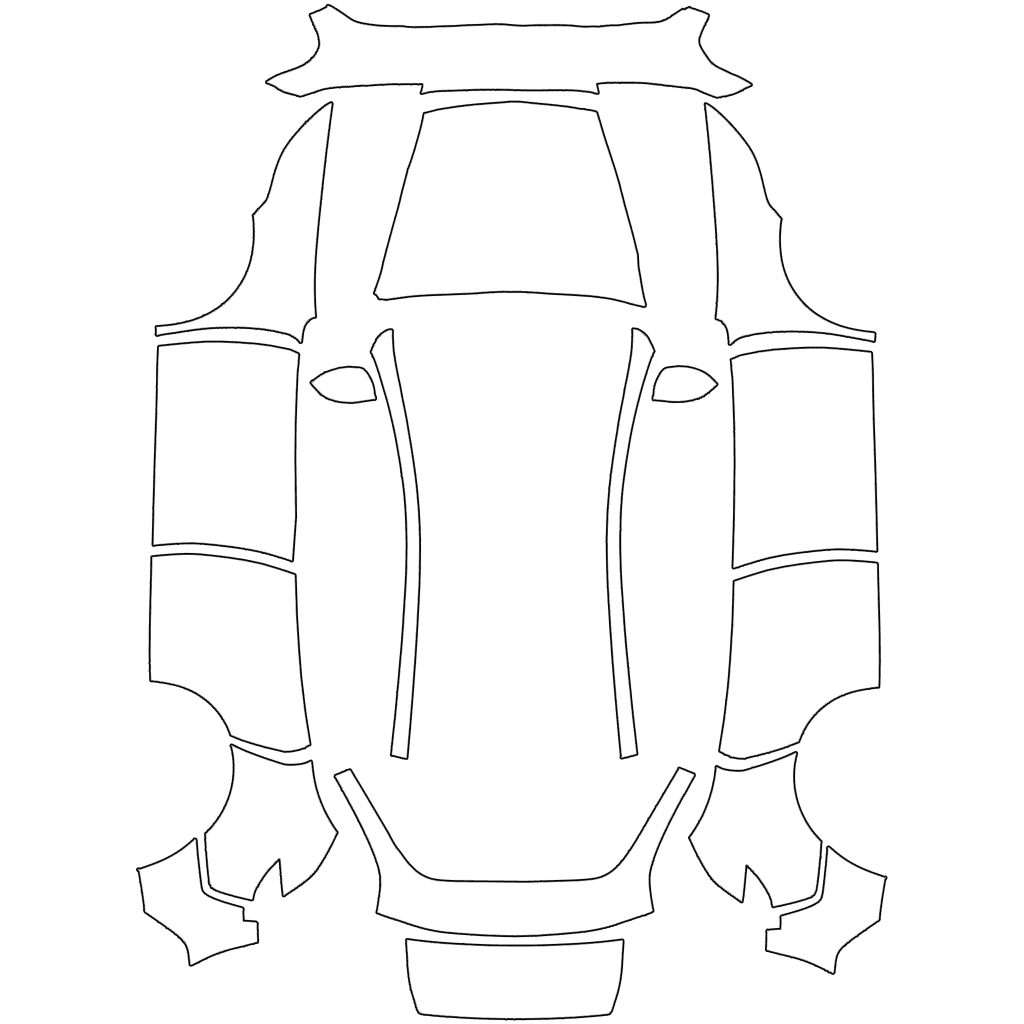
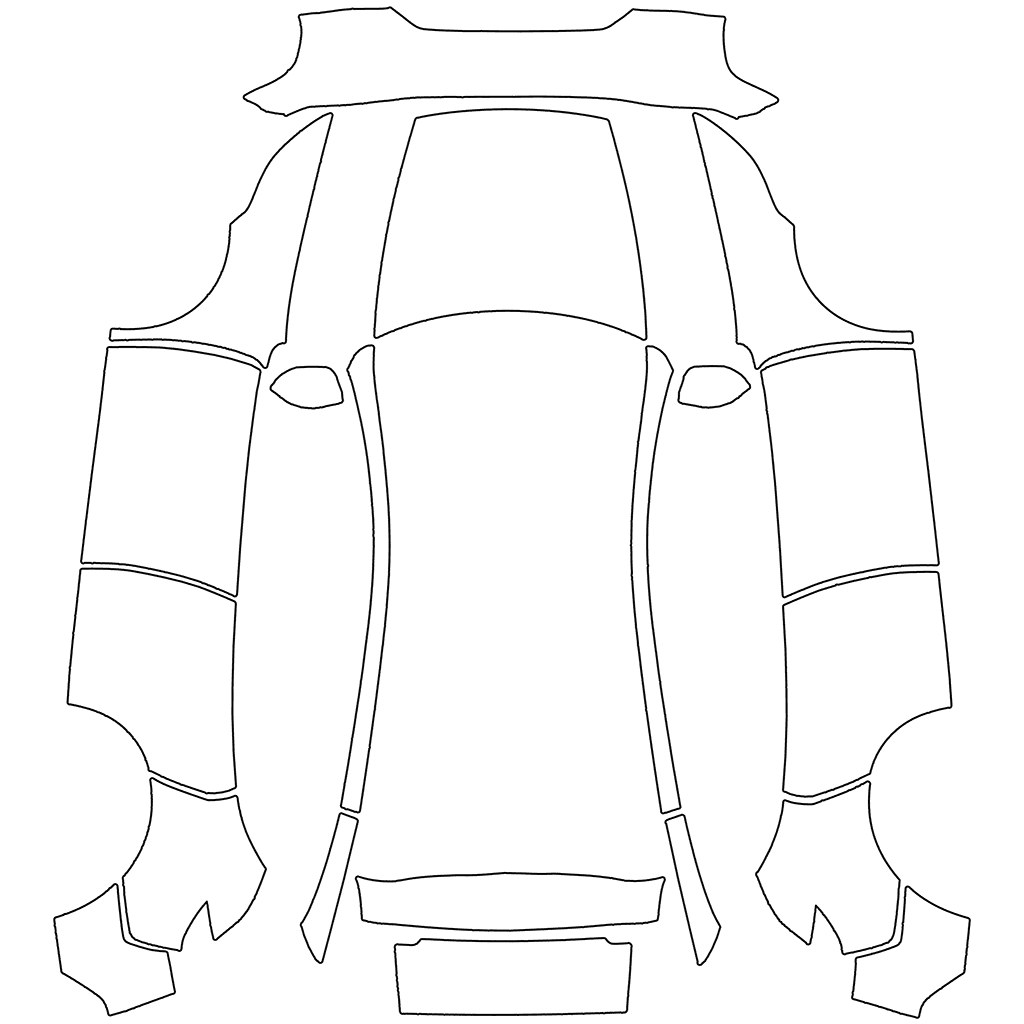
For a Model Y Juniper template, choosing between legacy and refreshed models is only the first step. Tesla's custom-wraps repository separates 2025+ Standard, Premium, and Performance into three directories and provides a separate directory for Model Y L.
Juniper is a common name used by owners and the media for the Model Y refresh. Tesla's public template directory uses the label Model Y (2025+). Before downloading, check the vehicle's full variant; a 2025+ label does not mean that all refreshed versions share one template.
Tesla template references
Key takeaways
- Legacy Model Y uses the separate modely directory.
- 2025+ Standard, Premium, and Performance each have public directories.
- Model Y L has another dedicated body template directory.
- Use the blank template for the same variant as a reference to check the design file and the import method separately.
Start with the five public Model Y directory groups
Tesla's public repository provides separate templates for legacy Model Y, 2025+ Standard, 2025+ Premium, 2025+ Performance, and Model Y L. Choose the directory matching the full vehicle variant; do not treat one PNG as a universal template for every Model Y.
- Model Y: the legacy vehicle directory.
- Model Y (2025+) Standard: the refreshed Standard directory.
- Model Y (2025+) Premium: the refreshed Premium directory.
- Model Y (2025+) Performance: the refreshed Performance directory.
- Model Y L: a separate vehicle directory.
Identify your Model Y year and variant
Confirm the complete model in the vehicle information, Tesla app, or order configuration. Do not rely only on delivery date or appearance, and do not treat Model Y L as a stretched version of another canvas; Tesla lists it separately.
- First identify legacy Model Y, the 2025+ refresh, or Model Y L.
- For a 2025+ vehicle, confirm Standard, Premium, or Performance.
- Match every part of the vehicle label to the download page.
Check the design on Model Y doors and liftgate
You can start by checking a horizontal line or color band between the front and rear doors, then see whether the artwork near the rear quarter panel and liftgate appears where intended. These areas can help you check the design, but still verify the vehicle variant against your vehicle information and the directory label.
If the blank template looks correct but only the design is misaligned between the doors, compare it with the original to check the canvas size, template layout, and artwork position. If the whole graphic appears in an unexpected region, recheck the complete vehicle label and directory label as well; do not just change the export settings.
Check placement with a temporary horizontal line and marker
On a copy of the blank template for the same variant, you can add a horizontal line to check the door seams and a temporary marker in the liftgate region. Keep the original canvas size and layout, and do not modify the original file.
After importing the PNG, check how the line behaves at the door seams and where the liftgate marker appears. Once the placement matches your design intentions, remove the temporary elements and add the final artwork. Preview again after each change.
Frequently asked questions
Can all Model Y Juniper variants share one template?
Do not assume they can. Tesla provides three public directories for 2025+ Standard, Premium, and Performance, so use the template matching the full vehicle variant.
Can Model Y L use a regular 2025+ Model Y template?
It is not recommended. Tesla provides a separate directory for Model Y L, so use its own vehicle template rather than directly reusing a Standard, Premium, or Performance template.
Does a successful import prove the Model Y template fits?
You cannot judge from the import result alone. Check that the PNG uses the template for your full vehicle variant, then inspect the artwork's position and the seams in the 3D vehicle preview.
Sources
Follow the sources below for Tesla's instructions, template directories, and other references cited in this article. Feature availability and interface details may vary by region, vehicle configuration, and software version.
Tesla's published instructions describe product features and file requirements. The design checks in our articles are editorial guidance; confirm the finished PNG in Paint Shop on the matching vehicle.
- Tesla custom-wraps: legacy Model Y directory (checked 2026-07-22)
- Tesla custom-wraps: Model Y 2025+ Standard directory
- Tesla custom-wraps: Model Y 2025+ Premium directory
- Tesla custom-wraps: Model Y 2025+ Performance directory
- Tesla custom-wraps: Model Y L directory
- Tesla Model Y Owner's Manual: Paint Shop
Digital Paint Shop templates and design
Tesla Wrap Studio is an independent template platform. Our editorial team explains Paint Shop features, vehicle compatibility, and PNG design, with links to the sources used.
Choose a Model Y template for your exact variant
Check the five directories against your vehicle information, find the blank PNG for the matching variant, then view designs for that version.
Continue reading
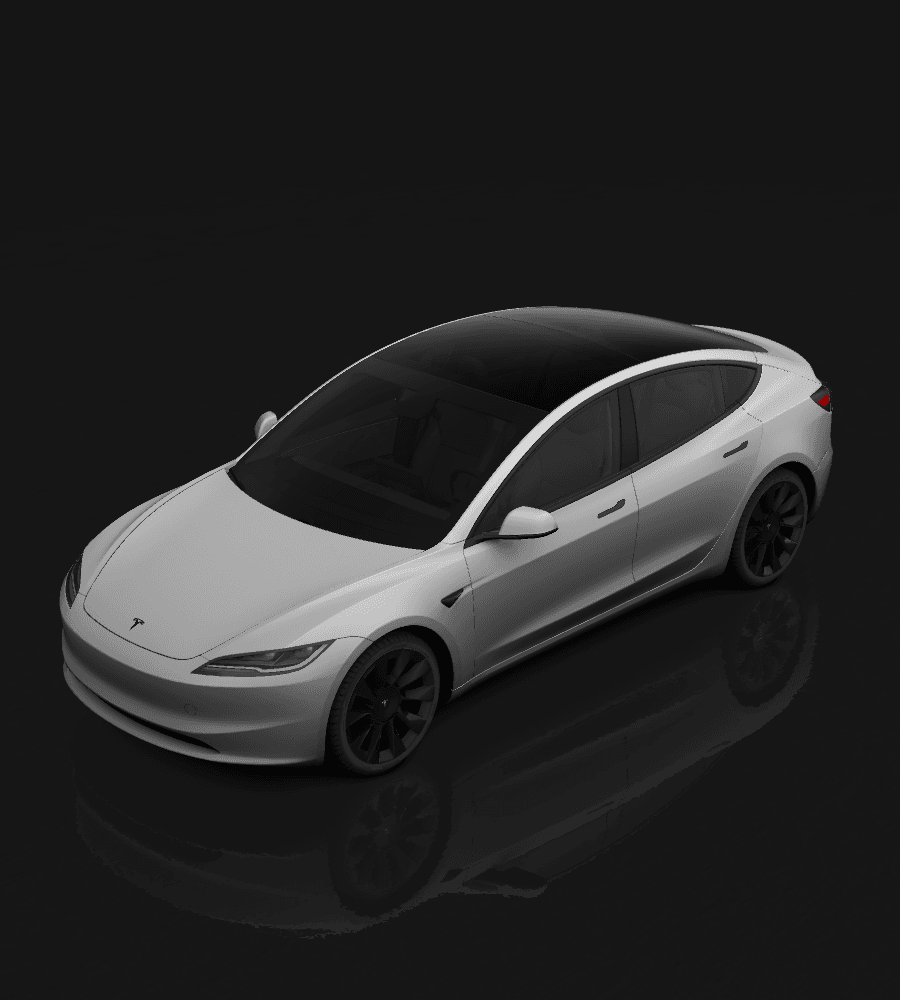
How to Choose a Model 3 Highland Paint Shop Template: Legacy vs. 2024+
Tesla provides separate Paint Shop template directories for legacy Model 3, 2024+ Standard and Premium, and 2024+ Performance. This guide explains how to identify your variant, choose the correct blank template, and avoid misalignment on the 3D vehicle.
Read article: How to Choose a Model 3 Highland Paint Shop Template: Legacy vs. 2024+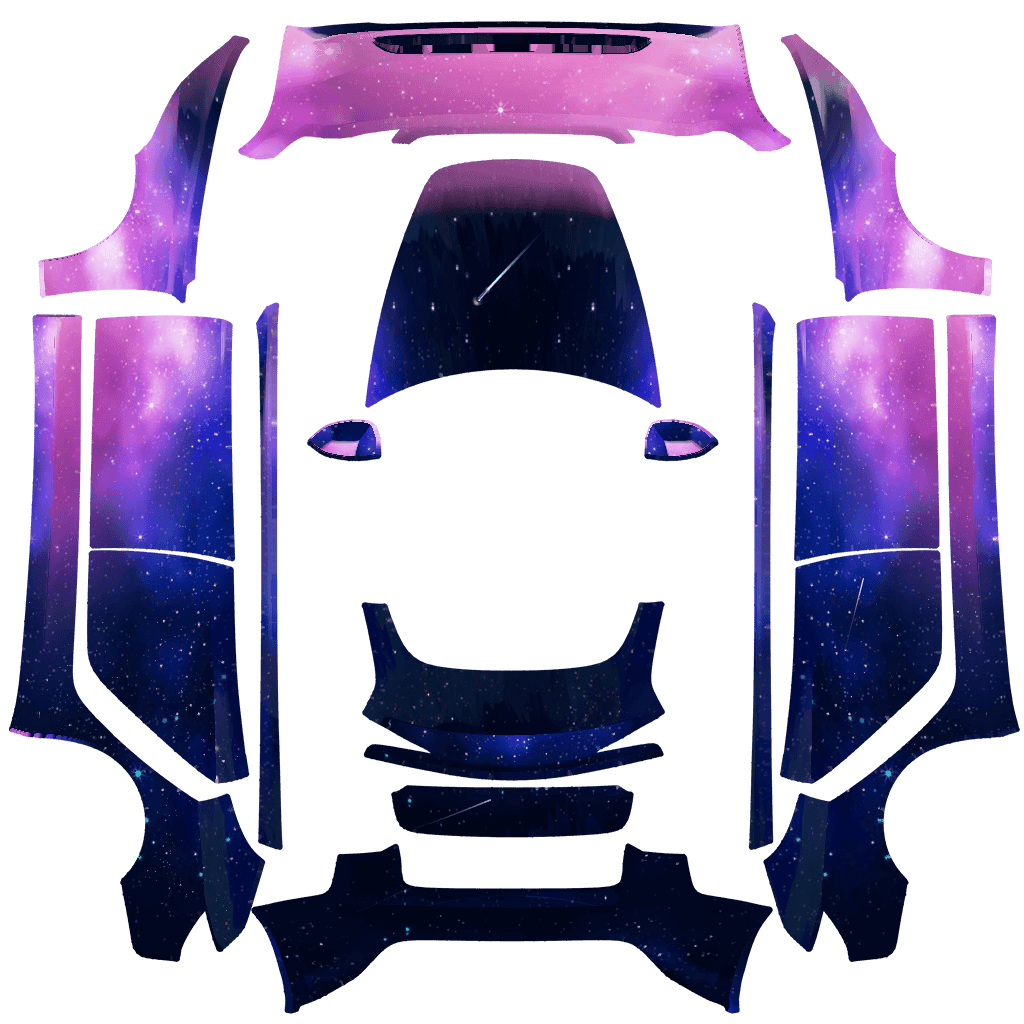
How to Design a Tesla Paint Shop Wrap That Reads Well Across Body Panels
Design a clearer Tesla Paint Shop wrap by working with panel seams, graphic scale, color contrast, the original template canvas, and multi-angle 3D preview checks.
Read article: How to Design a Tesla Paint Shop Wrap That Reads Well Across Body Panels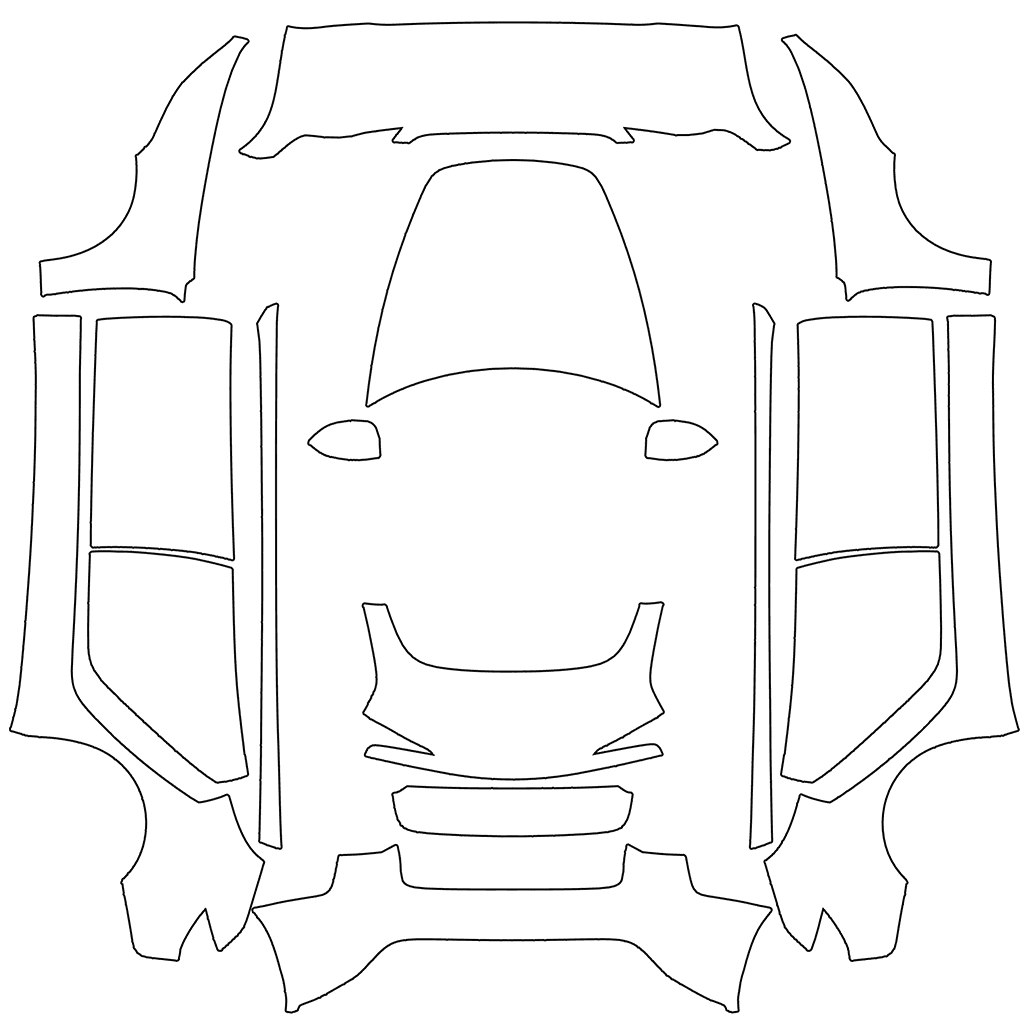
How to Choose a Tesla Paint Shop Template by Model, Year, and Variant
Choose the correct Tesla Paint Shop template by model, year, and body variant, including legacy and 2024+ Model 3, 2025+ Model Y, Performance, Plaid, and Model Y L.
Read article: How to Choose a Tesla Paint Shop Template by Model, Year, and Variant