Air Force Livery - Cybertruck
Cybertruck Paint Shop template
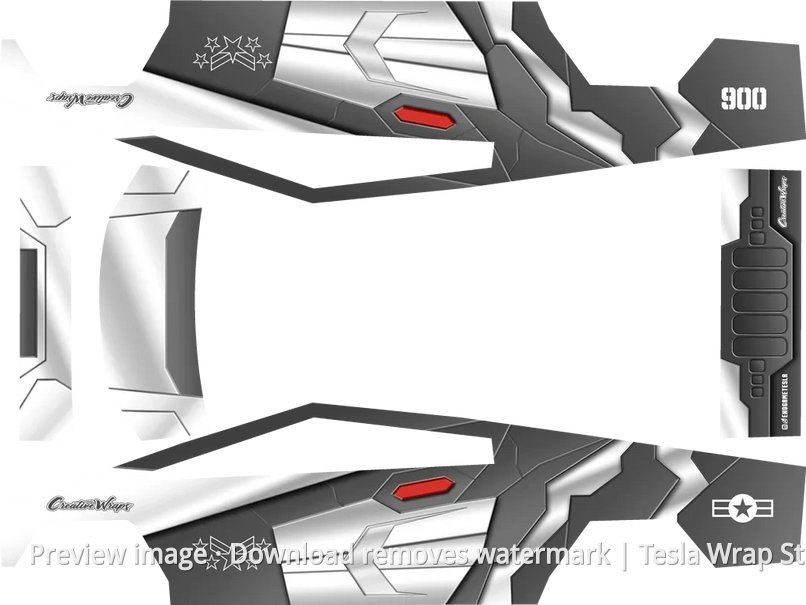
Preview image · Download removes watermark | Tesla Wrap Studio
Template rating
No ratings yet
Log in and download this template to rate it.
Template details
This Cybertruck Tesla Paint Shop template uses an air-force livery theme for a military-aviation inspired exterior. Download the PNG and import it into the in-car Toybox through the USB drive Wraps folder.
If the model looks wrong, the image is blurry, or the download has an issue, send feedback and we will review it.
How to use this template
View full guide →Upload a wrap with the Tesla app
Send a Paint Shop-ready PNG from Tesla app 4.59.0 or later, without preparing a USB drive.
USB Wraps folder setup
See where the Wraps folder goes, which USB formats to use, and how to open the wrap list in the vehicle.
Before you begin, confirm that Paint Shop appears on your Tesla touchscreen. If it is missing, check model, region, and current vehicle software availability.