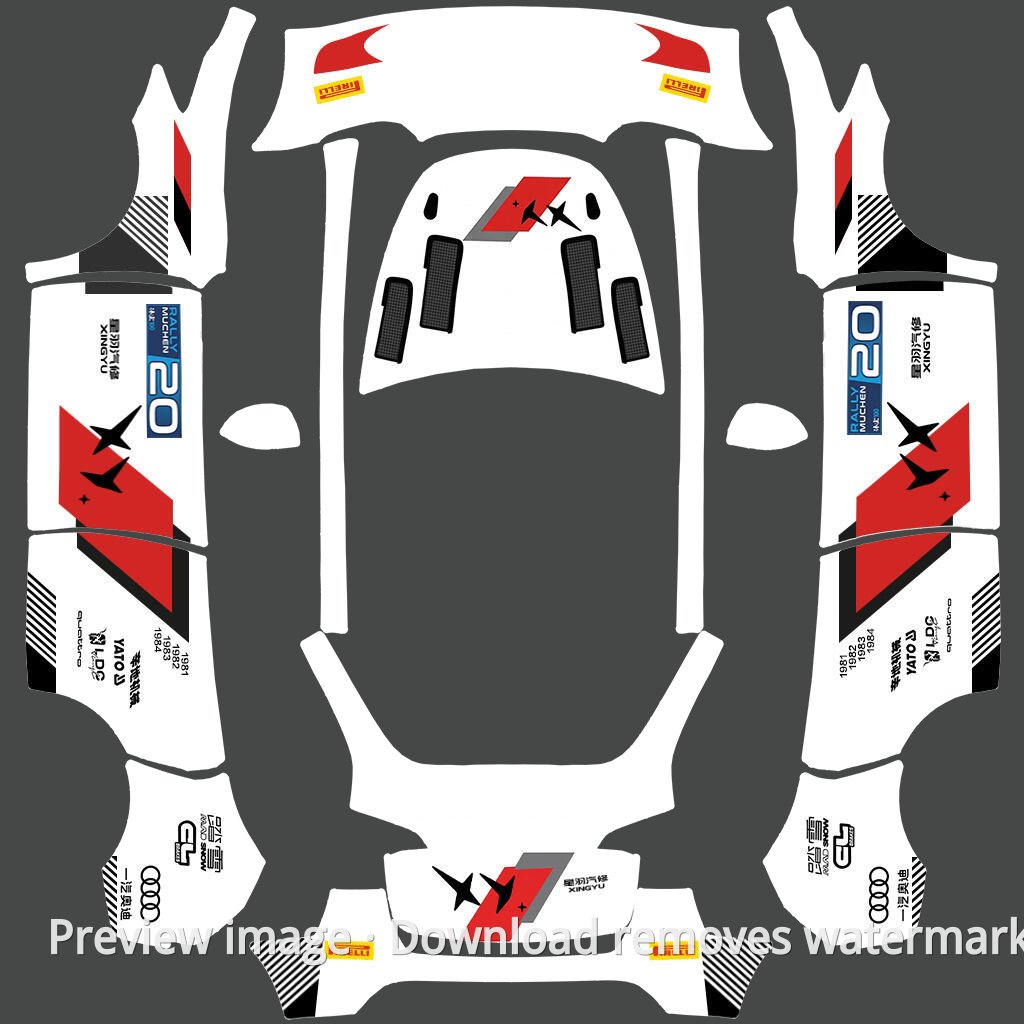
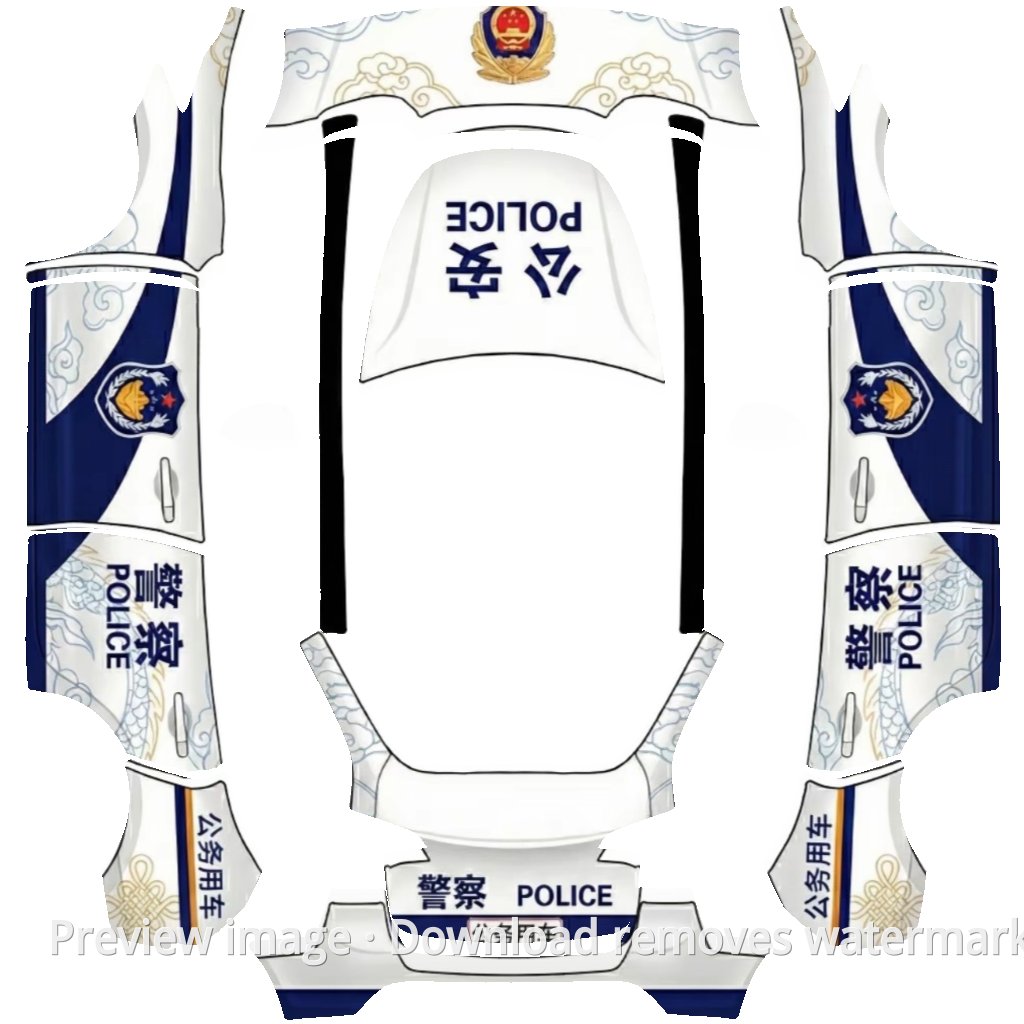
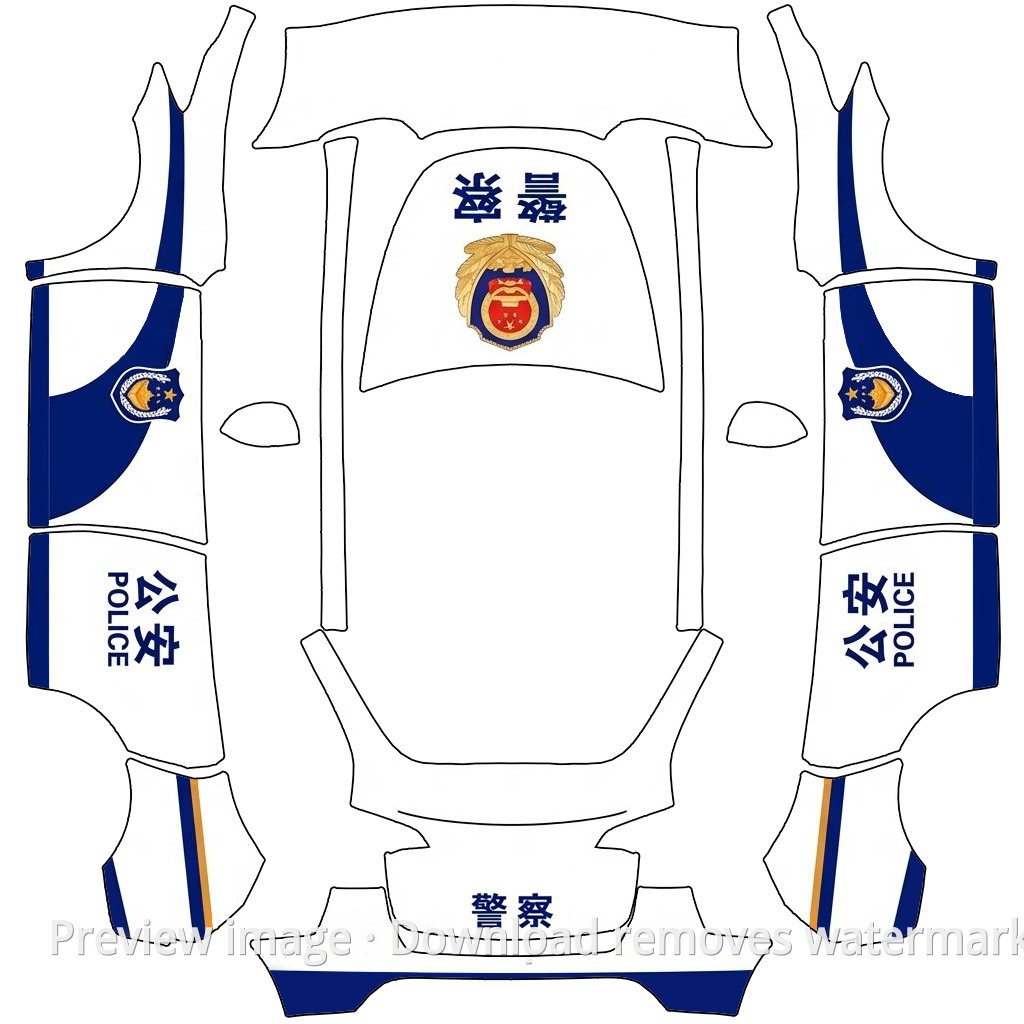
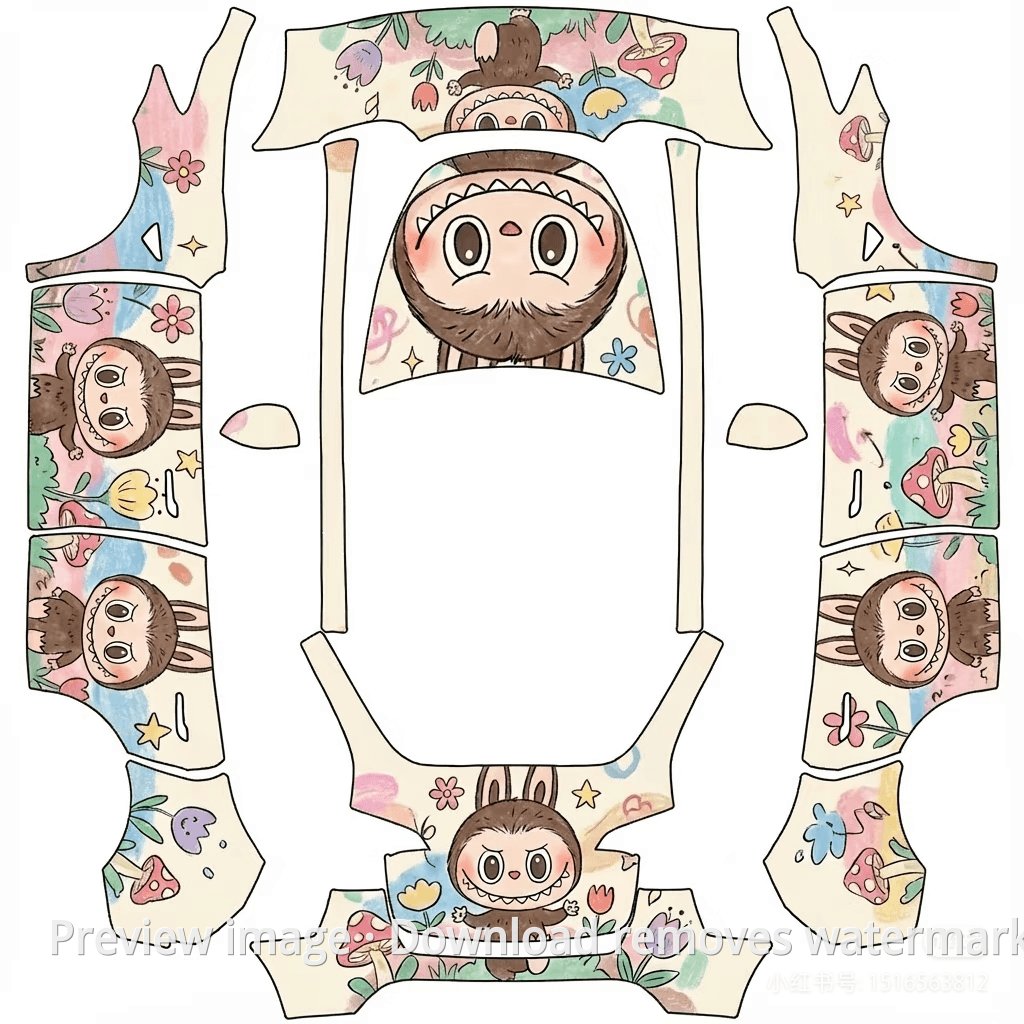
Model Y Dark Knight Theme Exterior Template
Model Y Paint Shop template
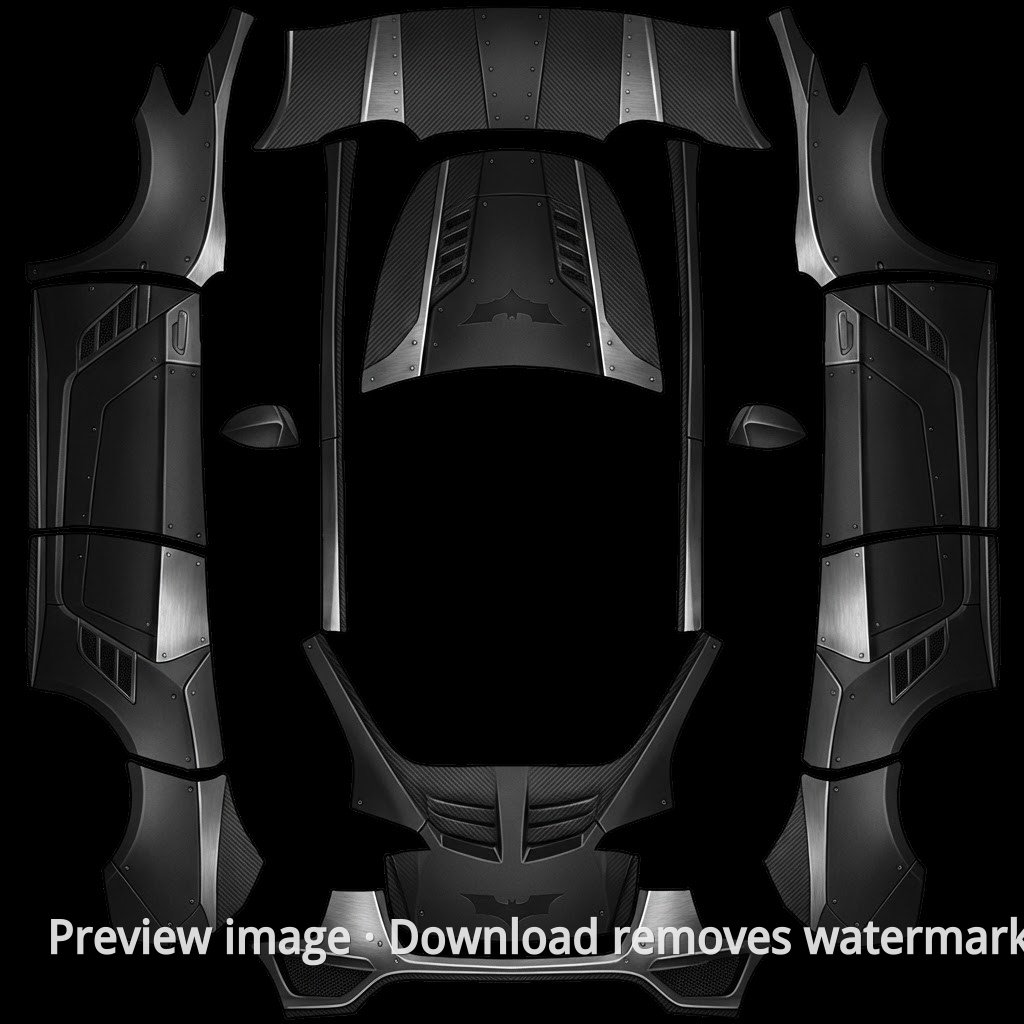
Preview image · Download removes watermark | Tesla Wrap Studio
Template rating
No ratings yet
Log in and download this template to rate it.
Template details
This Model Y exterior template is named around a Dark Knight theme, suited for dark superhero-inspired custom styling. Download it and import it into Tesla Paint Shop for preview.
If the model looks wrong, the image is blurry, or the download has an issue, send feedback and we will review it.
How to use this template
View full guide →Upload a wrap with the Tesla app
Send a Paint Shop-ready PNG from Tesla app 4.59.0 or later, without preparing a USB drive.
USB Wraps folder setup
See where the Wraps folder goes, which USB formats to use, and how to open the wrap list in the vehicle.
Before you begin, confirm that Paint Shop appears on your Tesla touchscreen. If it is missing, check model, region, and current vehicle software availability.