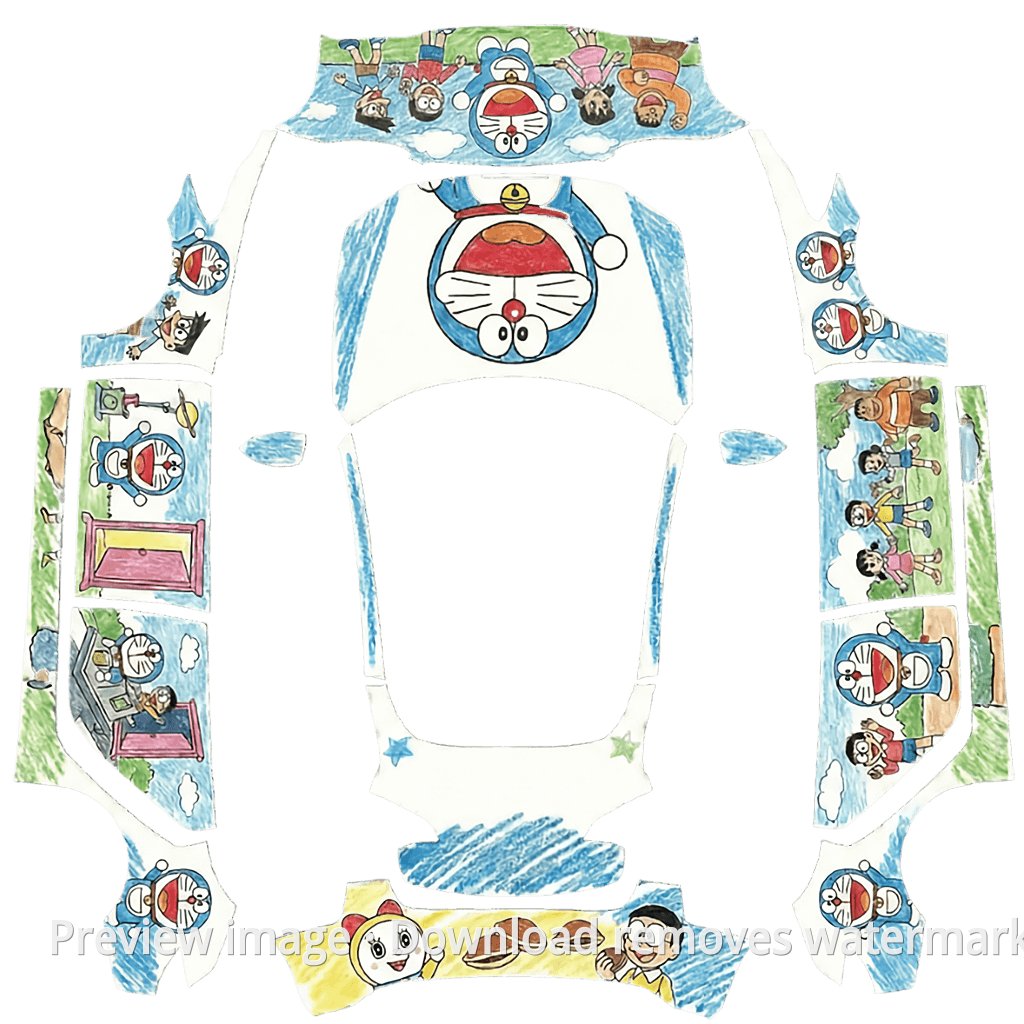
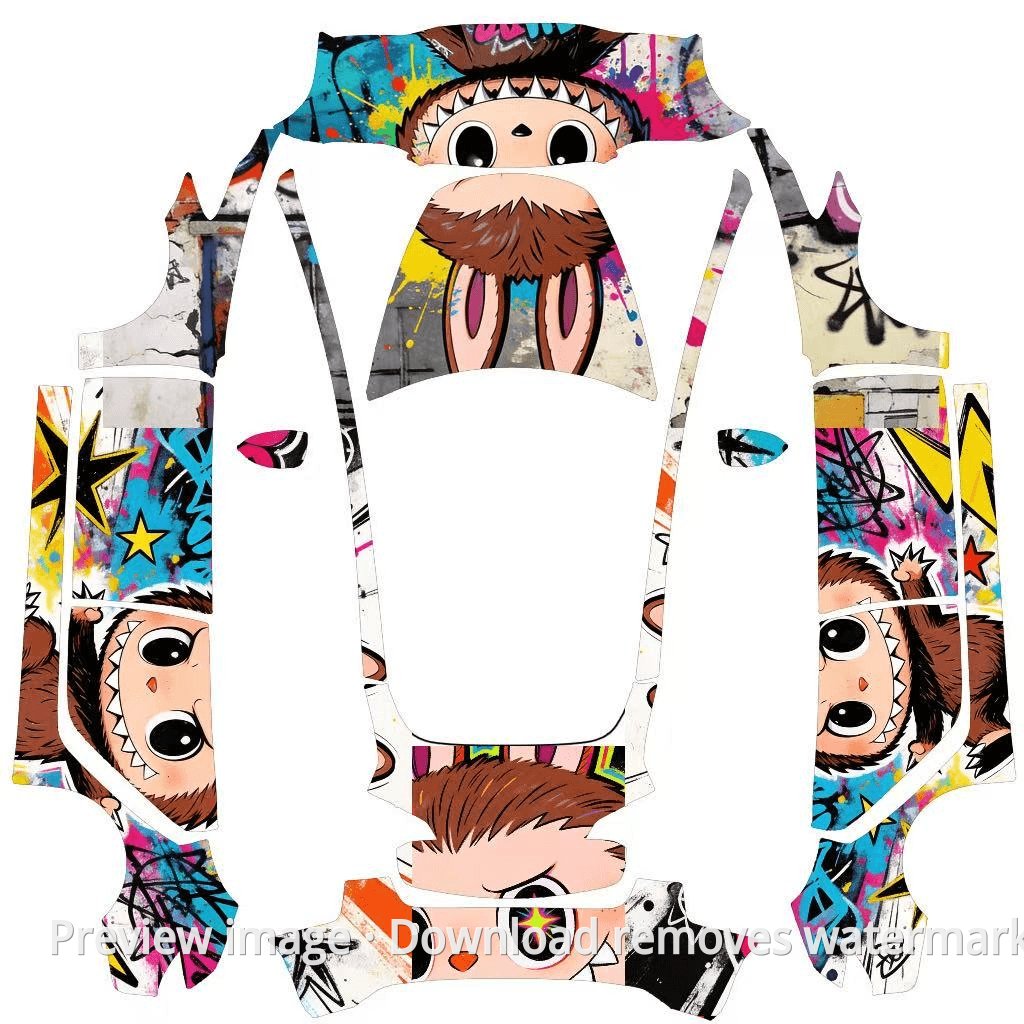
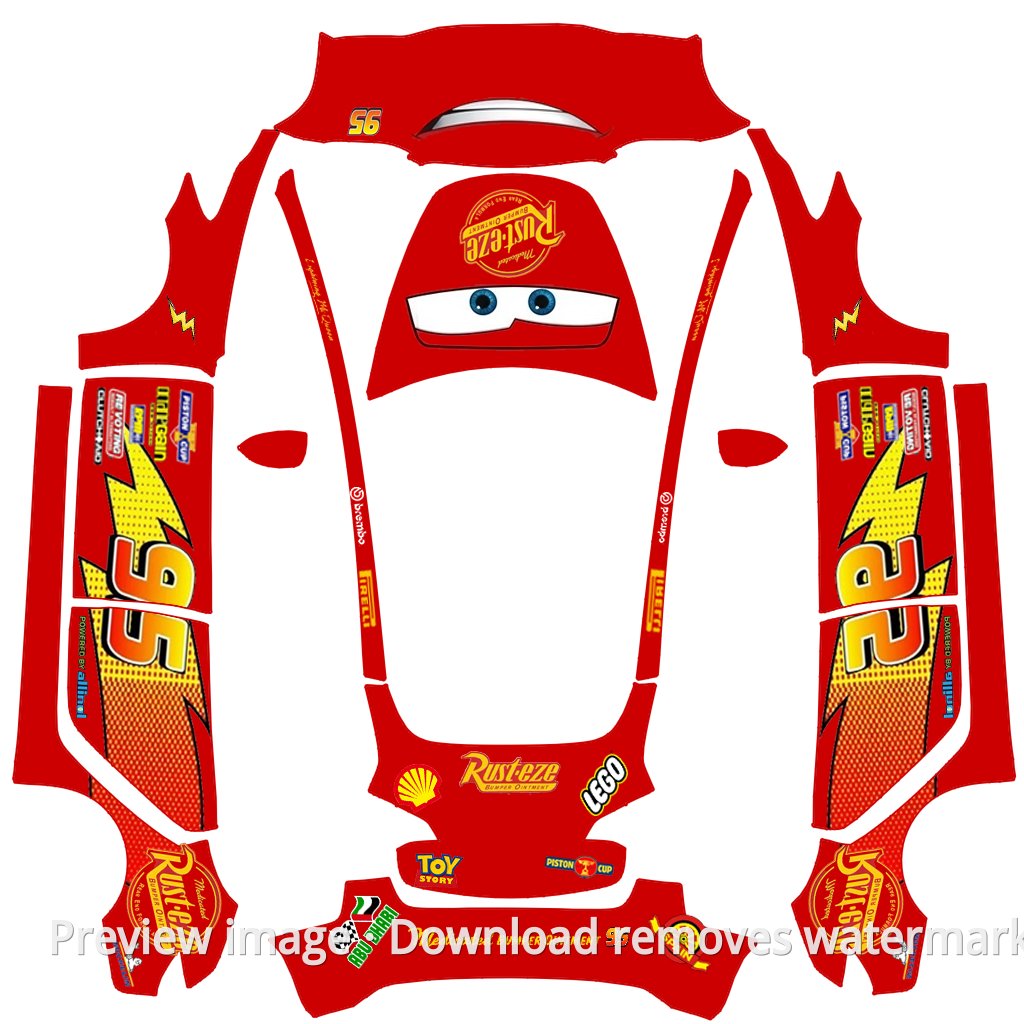
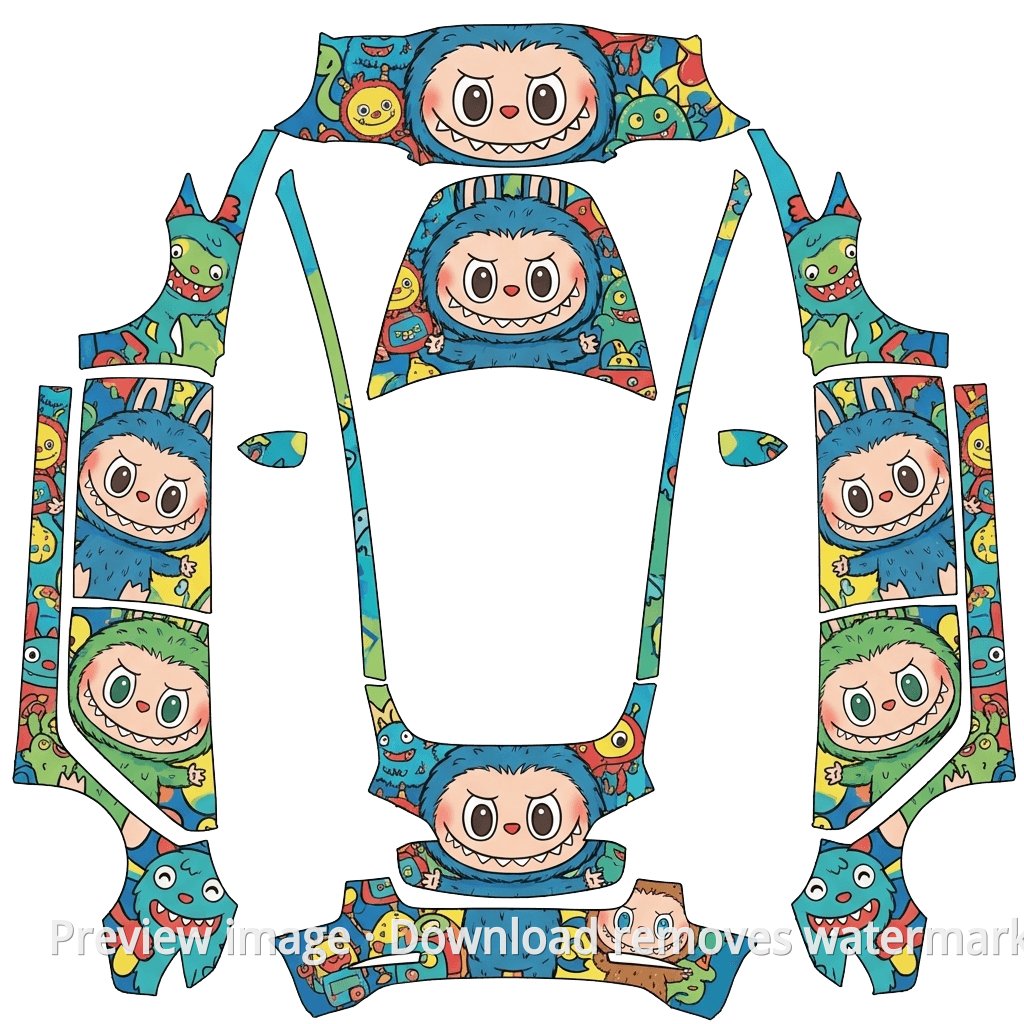
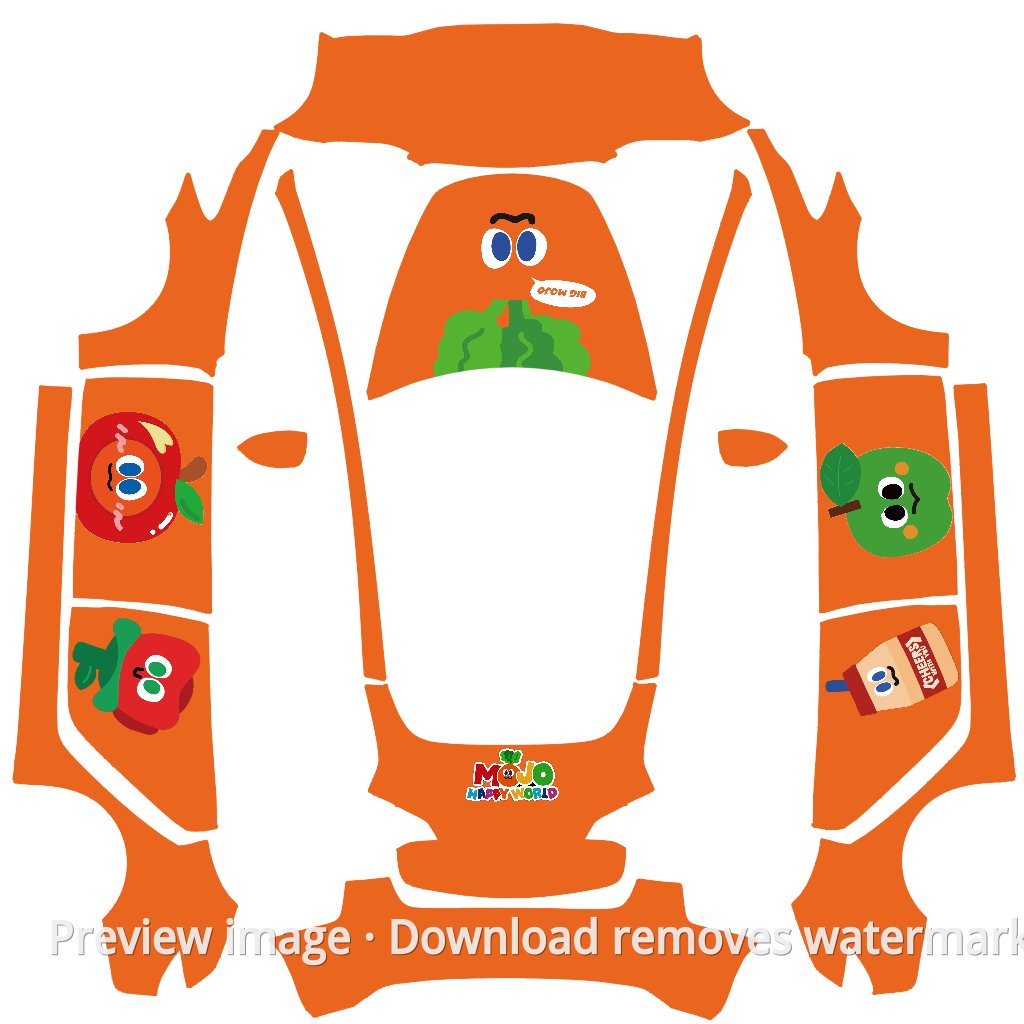
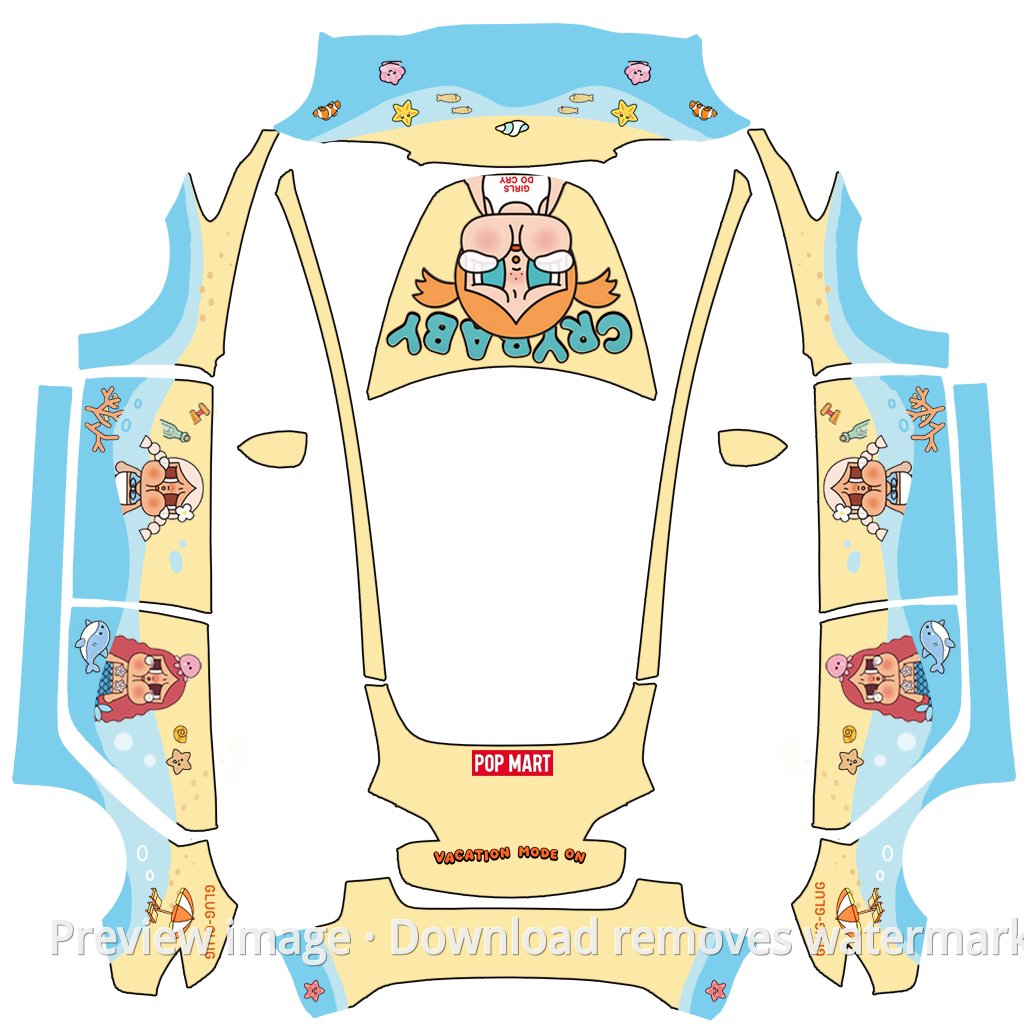
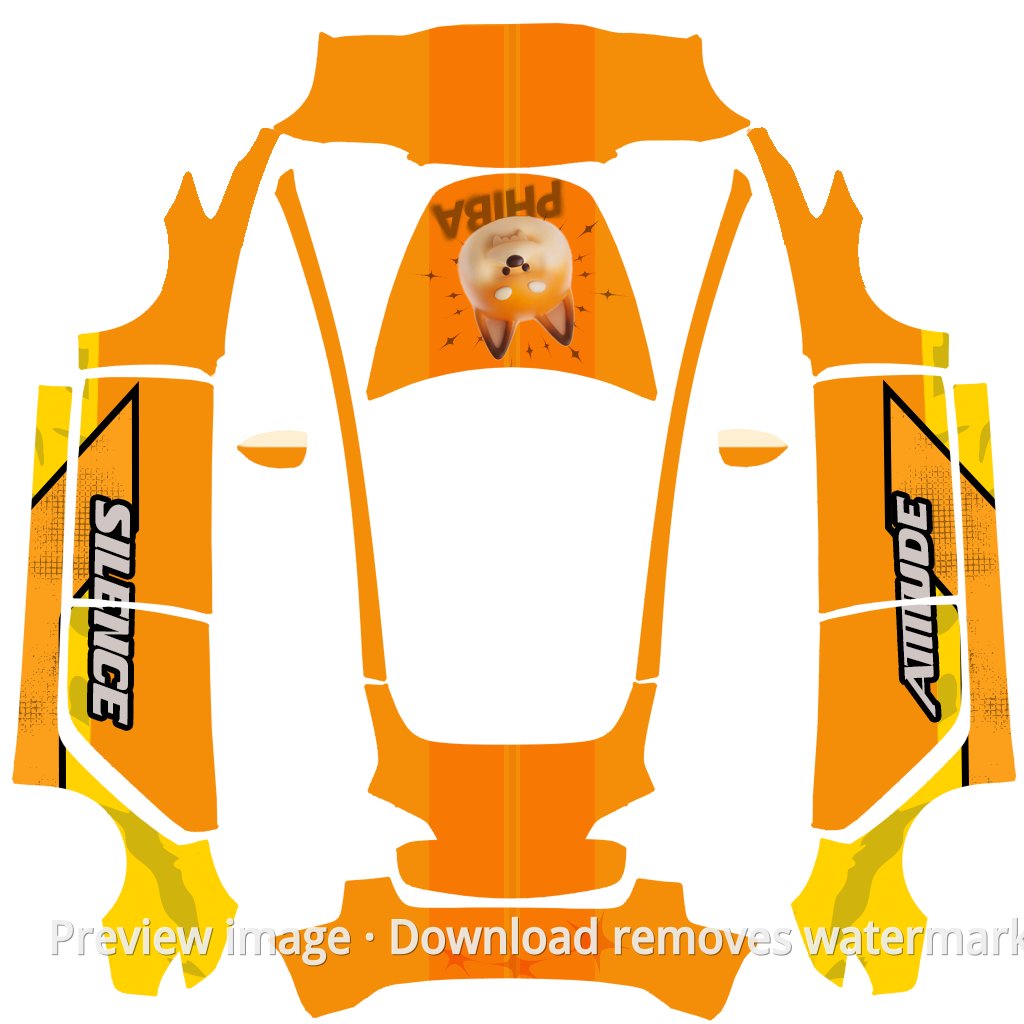
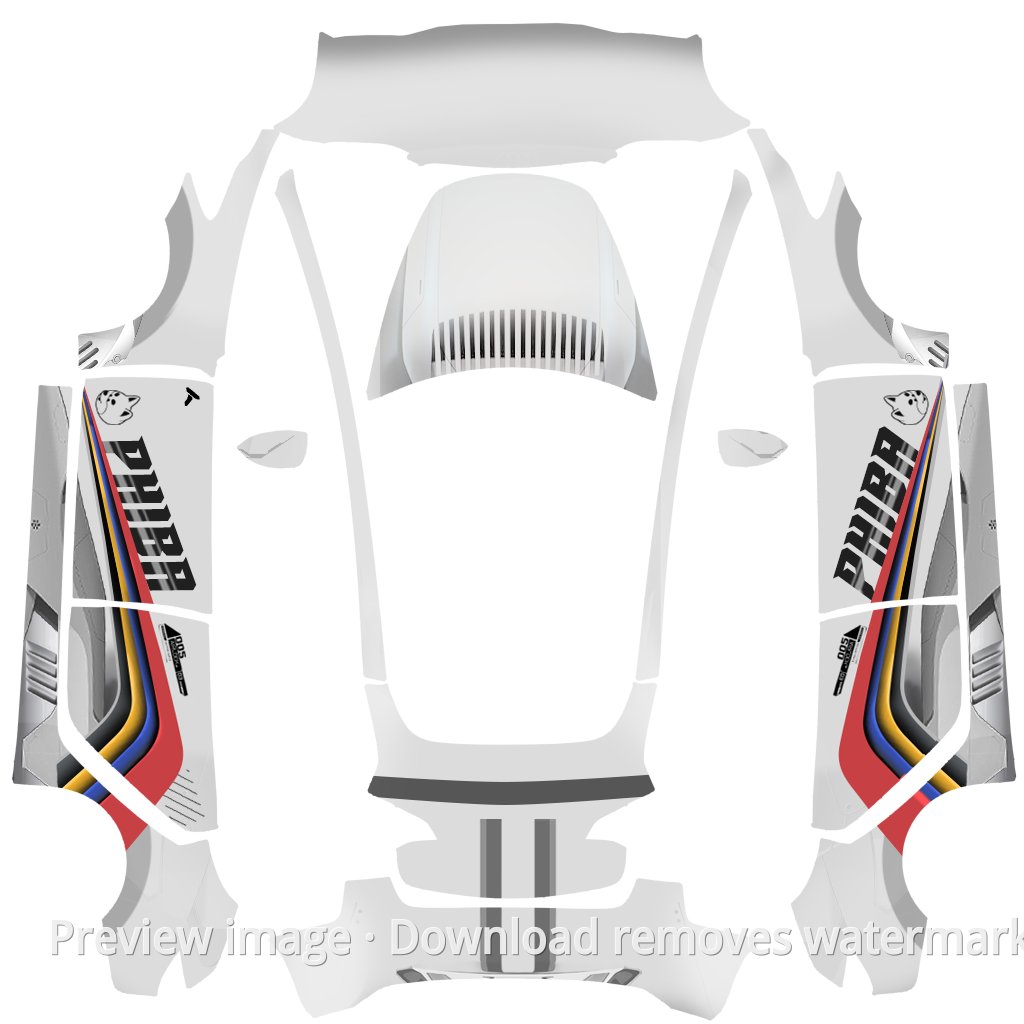
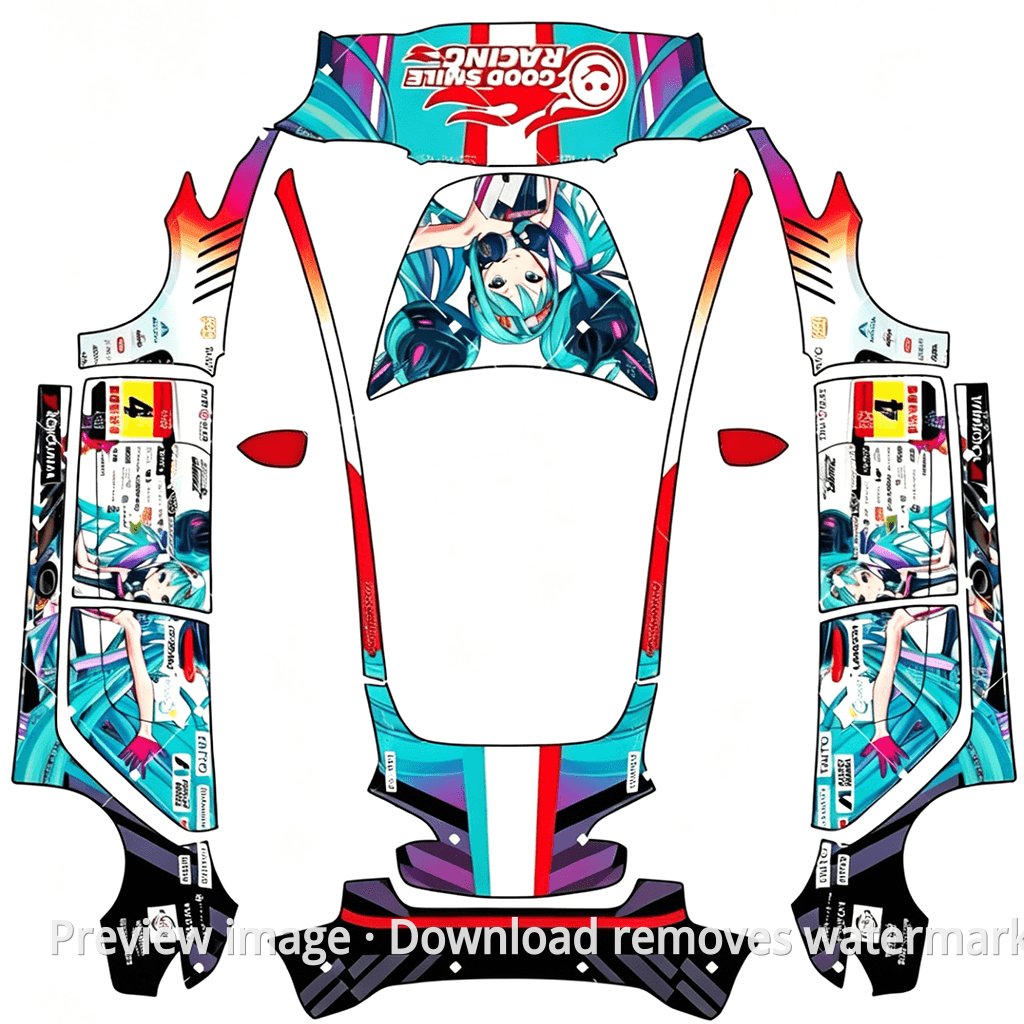
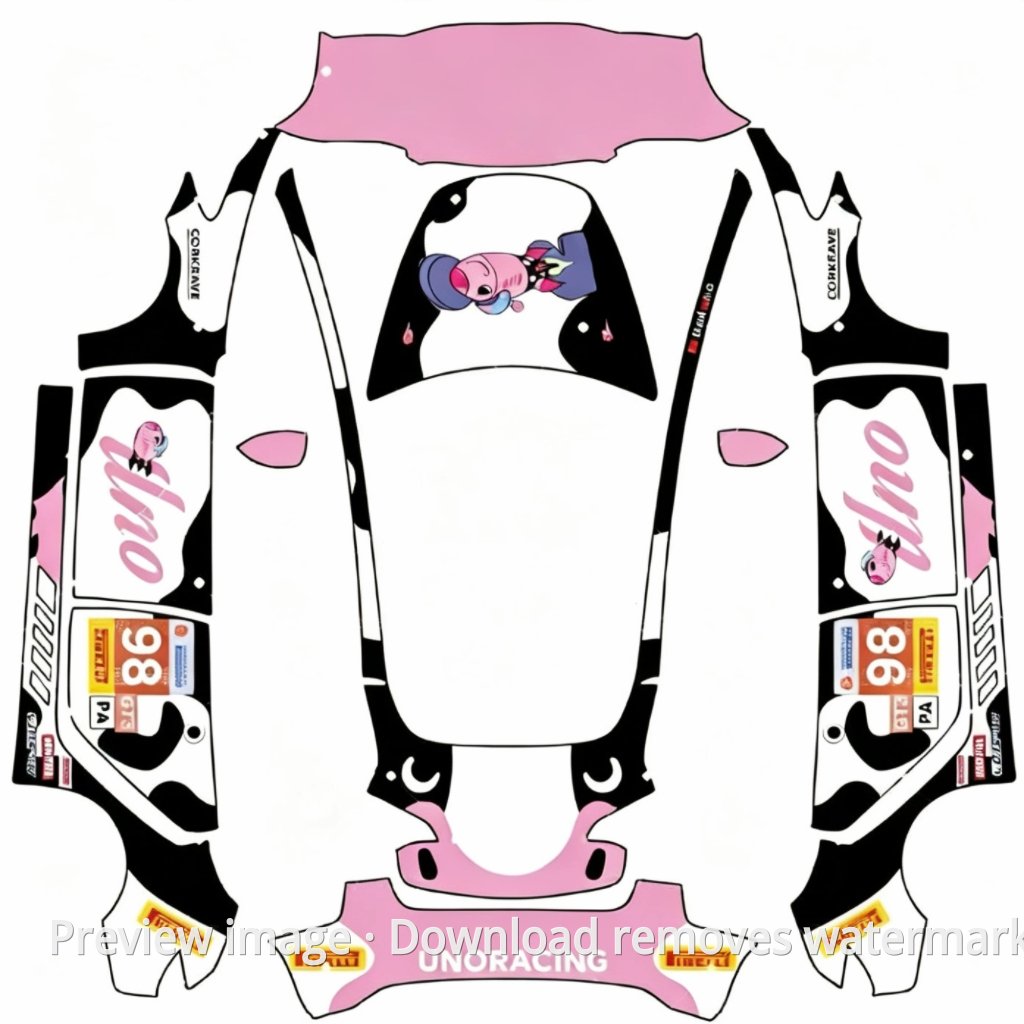
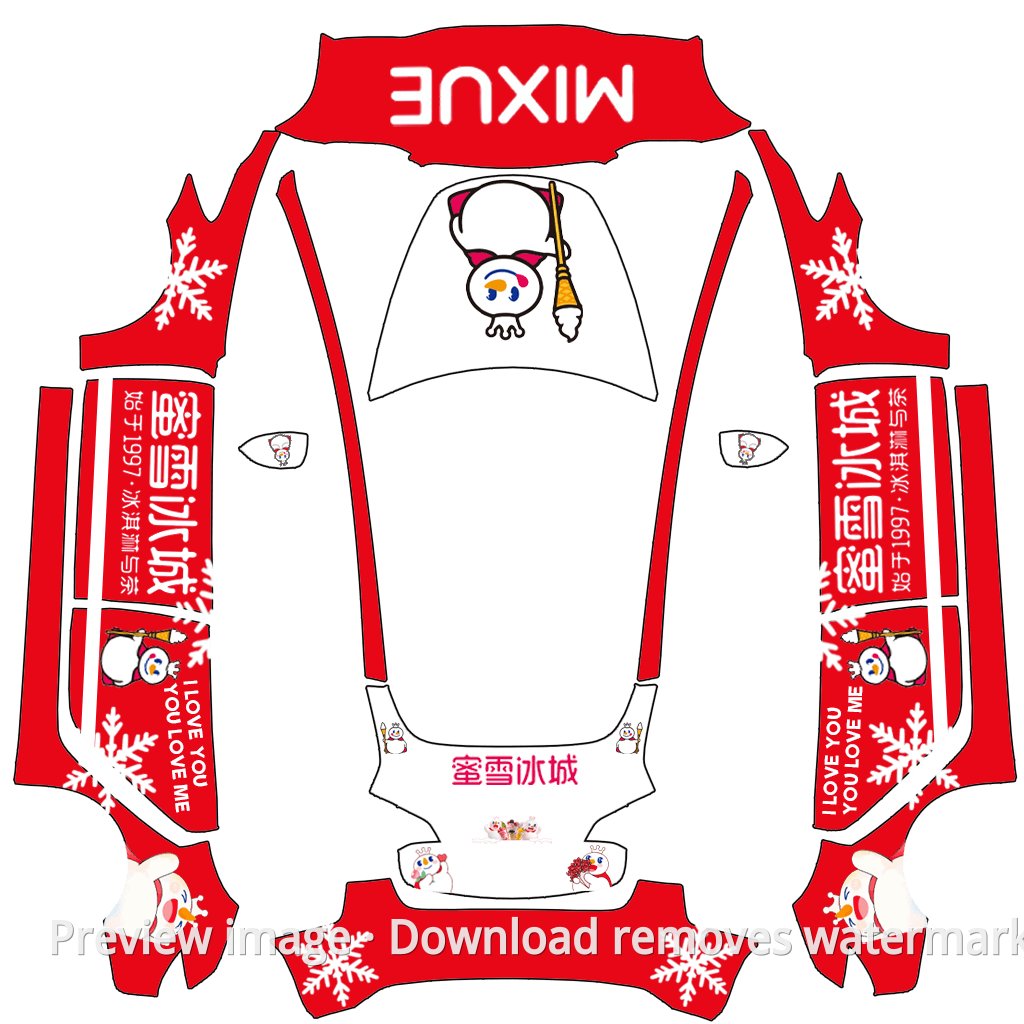
Tesla Paint Shop Wrap Template Library
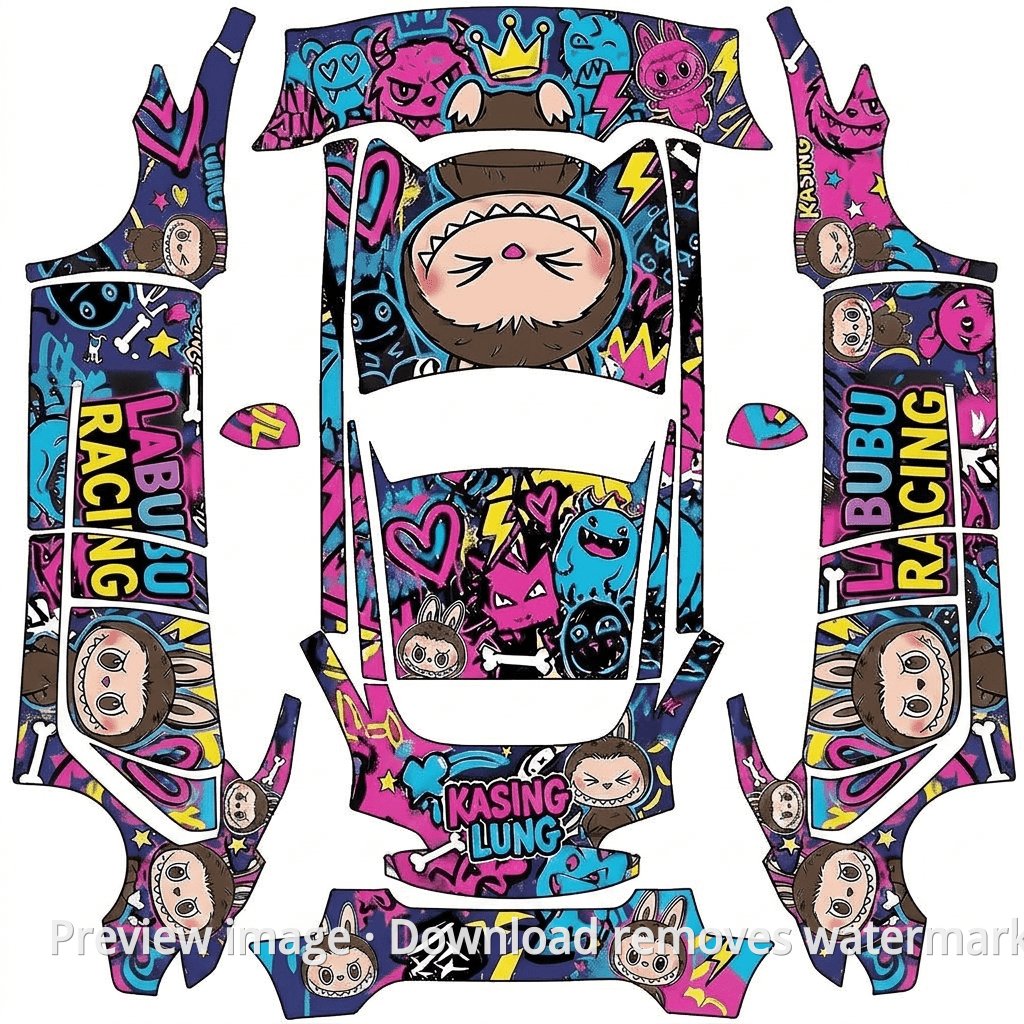
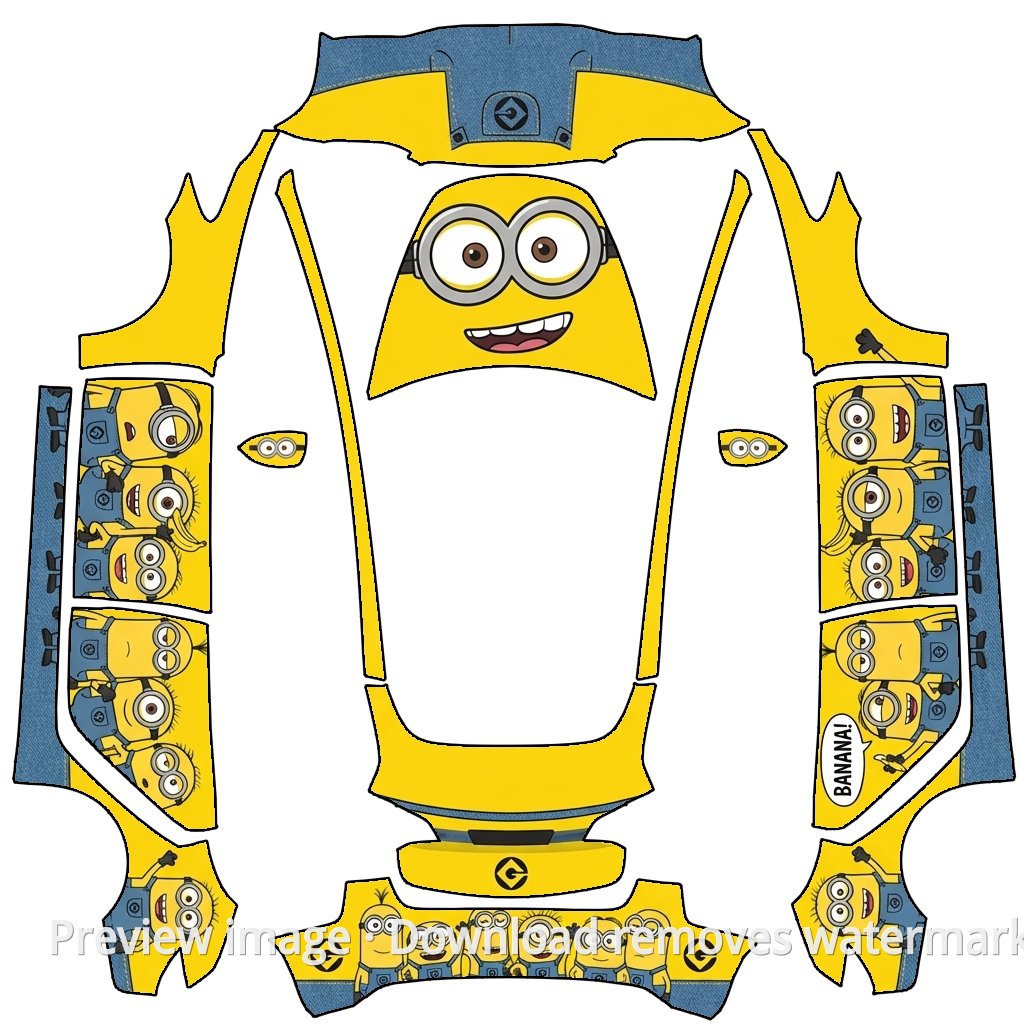
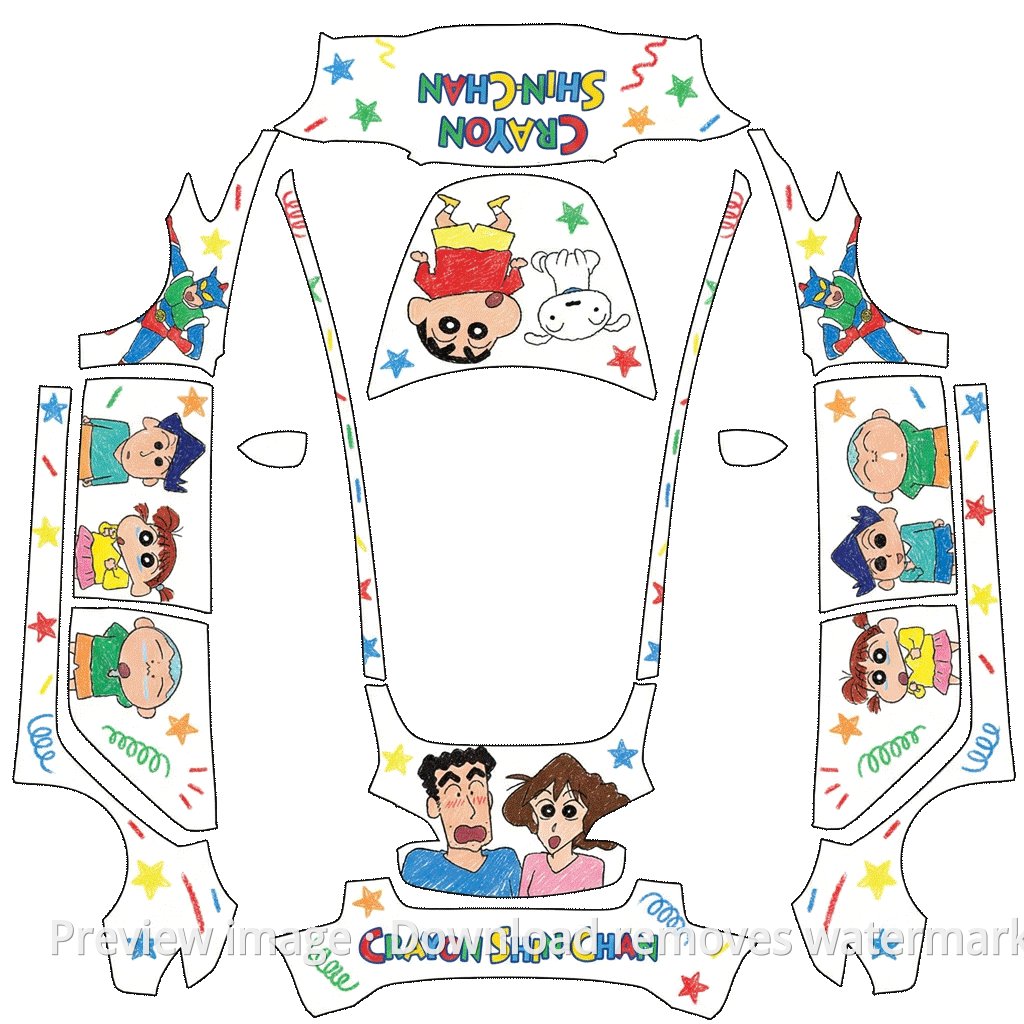
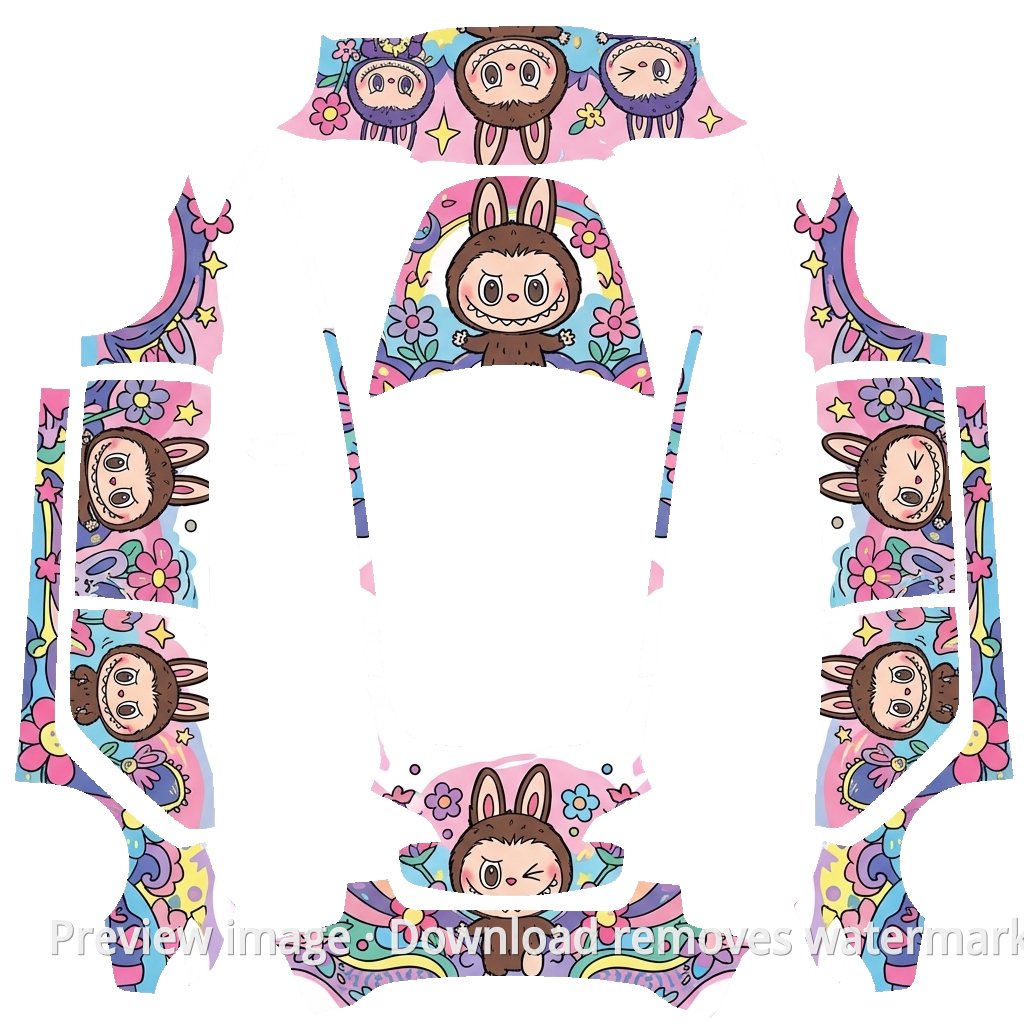
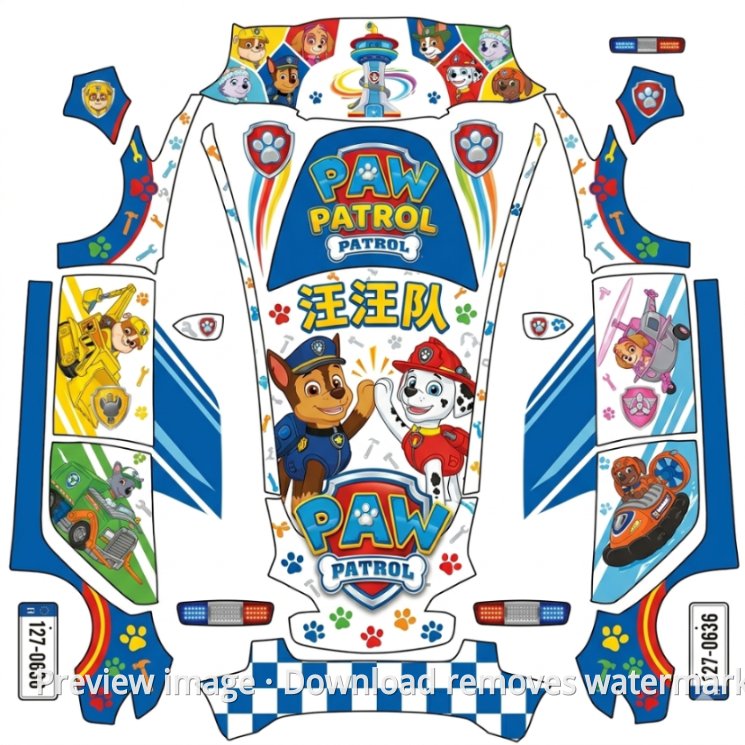
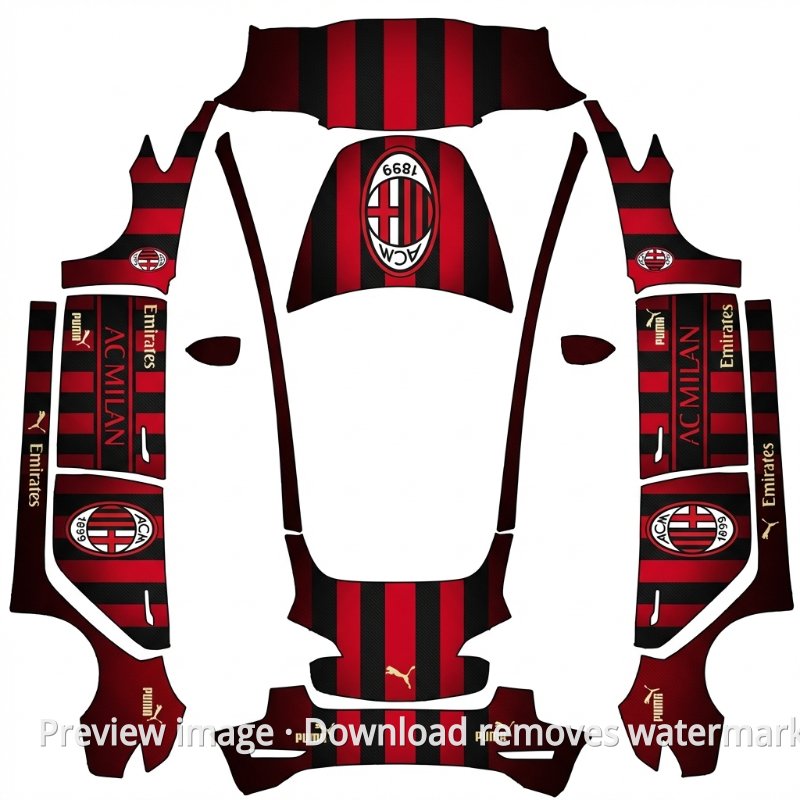
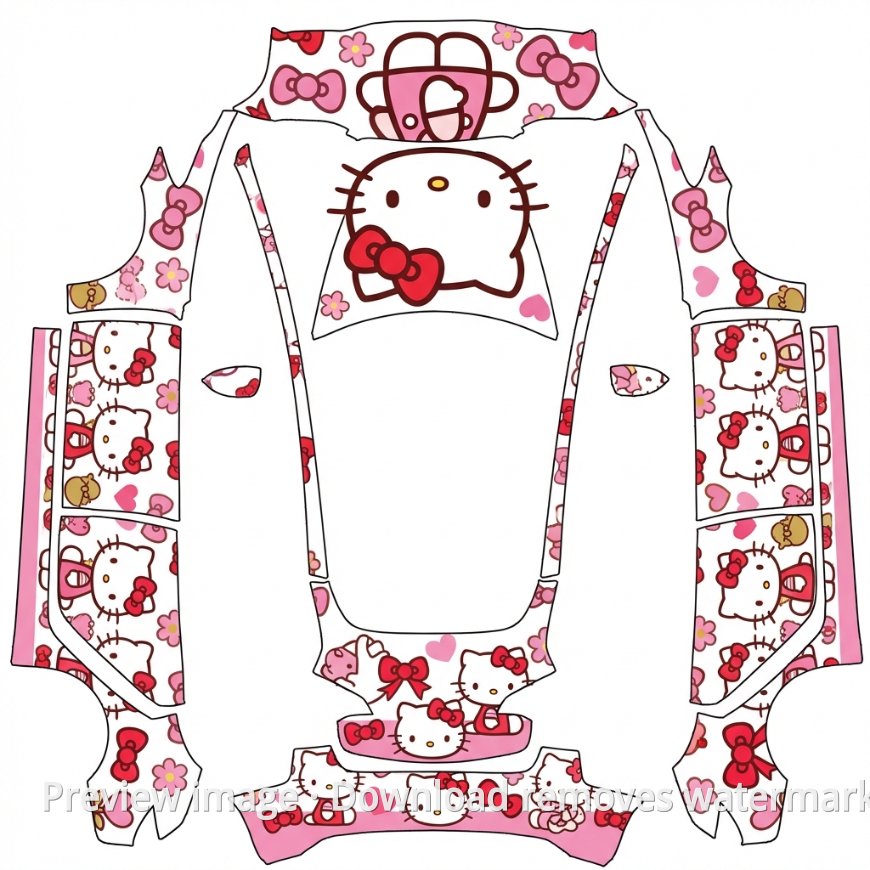
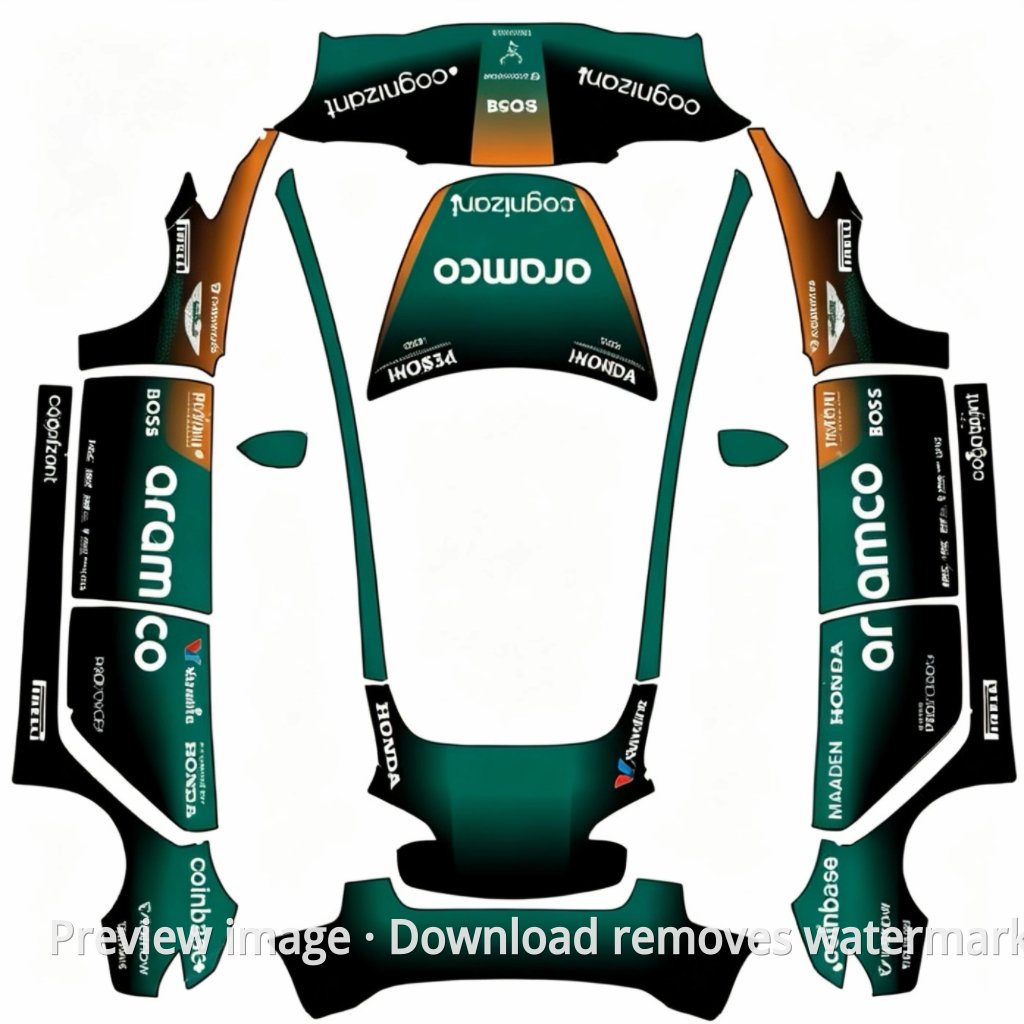
Browse Tesla wrap templates made for Paint Shop, including free official templates, community designs, and model-specific PNG downloads. Choose the file for your vehicle, place it in the USB Wraps folder, and preview the look on your Tesla touchscreen.
3,821+
wrap templates
21,587+
downloads
22,774+
members
12
supported models
Upload designs and earn points
Join the Creator Program and share original wrap designs. Each paid download earns you 50% of the points paid, and creator points can be withdrawn after review.
Popular Templates
Browse Tesla wrap templates, download Paint Shop-ready PNG files, and preview custom designs in the 3D vehicle view on your Tesla touchscreen.
Notice:This site is an independent third-party template sharing platform and is not affiliated with Tesla, Inc. All Tesla-related trademarks belong to Tesla, Inc.
About Tesla Paint Shop
Tesla Paint Shop is a Toybox feature that lets owners preview a custom 3D vehicle appearance on the touchscreen. Place PNG images in the Wraps folder on a USB drive to compare wrap designs on the vehicle preview.
Supported models
Current supported models include Cybertruck, Model 3, Model 3 (2024+), Model Y, Model Y (2025+), Model S, Model X, and related trims. Each model may require its own matching template size.
How to use
Using a Tesla Paint Shop template is simple: download the template, prepare an exFAT or FAT32 USB drive, create a Wraps folder, copy the PNG file, plug the drive into the vehicle, then open Toybox -> Paint Shop -> Wraps. See ourusage guide
Content guides
Read the PNG requirements, USB Wraps folder, and troubleshooting guides before downloading or uploading a Paint Shop template. Content guides